
SEO
Unlocking Local City SEO: Expand Your Reach
May 9, 2025
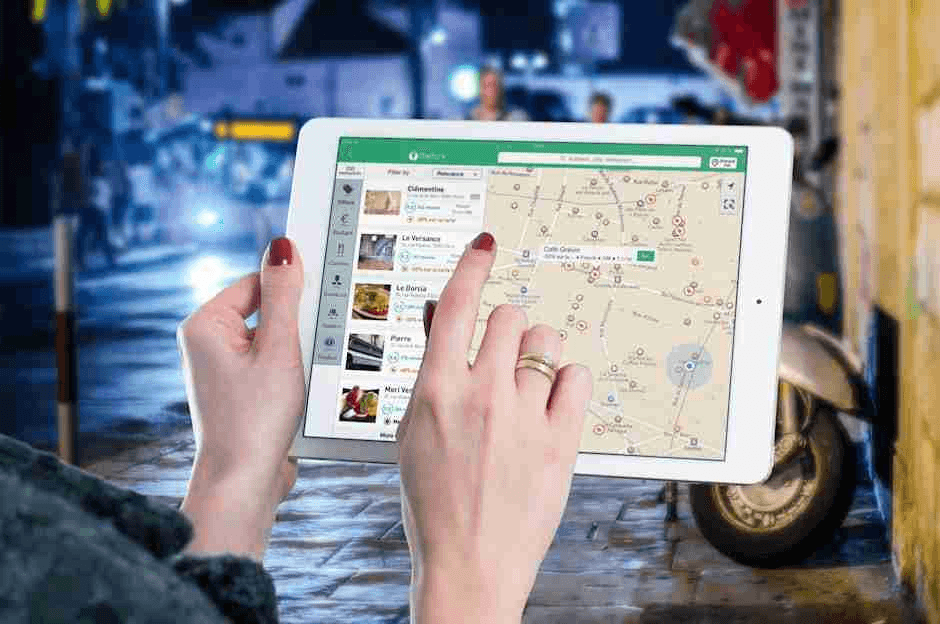
Local city seo: 7 Powerful Ways to Boost Results in 2025
Why Local City SEO Drives Real-World Business Results
Local city SEO is the process of optimizing your online presence to rank higher in location-specific search results for multiple cities you serve, even if you don’t have physical locations in each area.
Here’s what you need to know about local city SEO:
Local City SEO Component | What It Does |
|---|---|
City landing pages | Create dedicated pages for each target city with unique content |
Google Business Profile | Optimize for the Map Pack (the local 3-pack at the top of search results) |
NAP consistency | Maintain identical Name, Address, Phone info across all platforms |
City-specific reviews | Display testimonials from customers in target locations |
Location-based keywords | Target searches like “[service] in [city]” or “[city] [service]” |
With 46% of all Google searches having local intent and 76% of people who search for something nearby on their phone visiting a business within a day, optimizing for multiple city locations can dramatically expand your customer base.
Unlike general local SEO that focuses on a single location, local city SEO helps you rank in surrounding areas where potential customers are searching for your services, effectively widening your digital footprint beyond your physical address.
I’m Ross Plumer, and I’ve helped businesses implement local city SEO strategies that have marketed over $20 million in revenue, creating city-specific digital assets that convert local searchers into paying customers.
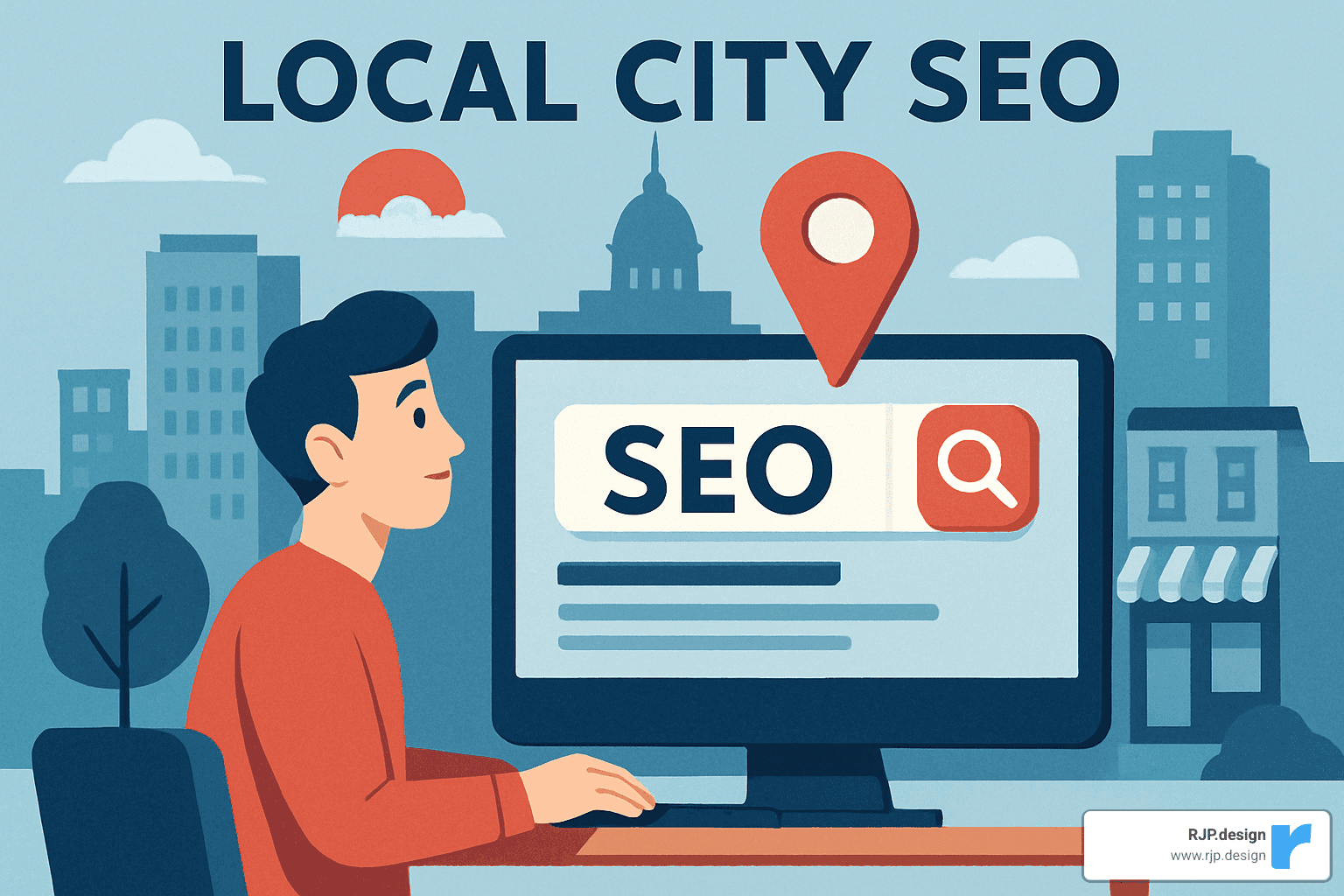
Terms related to local city seo:
– local search results
– content for local seo
– local video seo
What Is Local City SEO & Why It Matters
Local city SEO takes your online visibility to the next level by targeting multiple geographic areas where your business operates—not just your home base. Think of traditional local SEO as fishing in one pond, while local city SEO casts your net across several connected waterways, helping you catch customers in places you might not even have a physical storefront.
This approach focuses on hyper-local targeting that connects with people in specific neighborhoods, towns, and regions you serve. And timing couldn’t be better—Google’s search results now heavily favor user proximity when deciding what to show searchers.
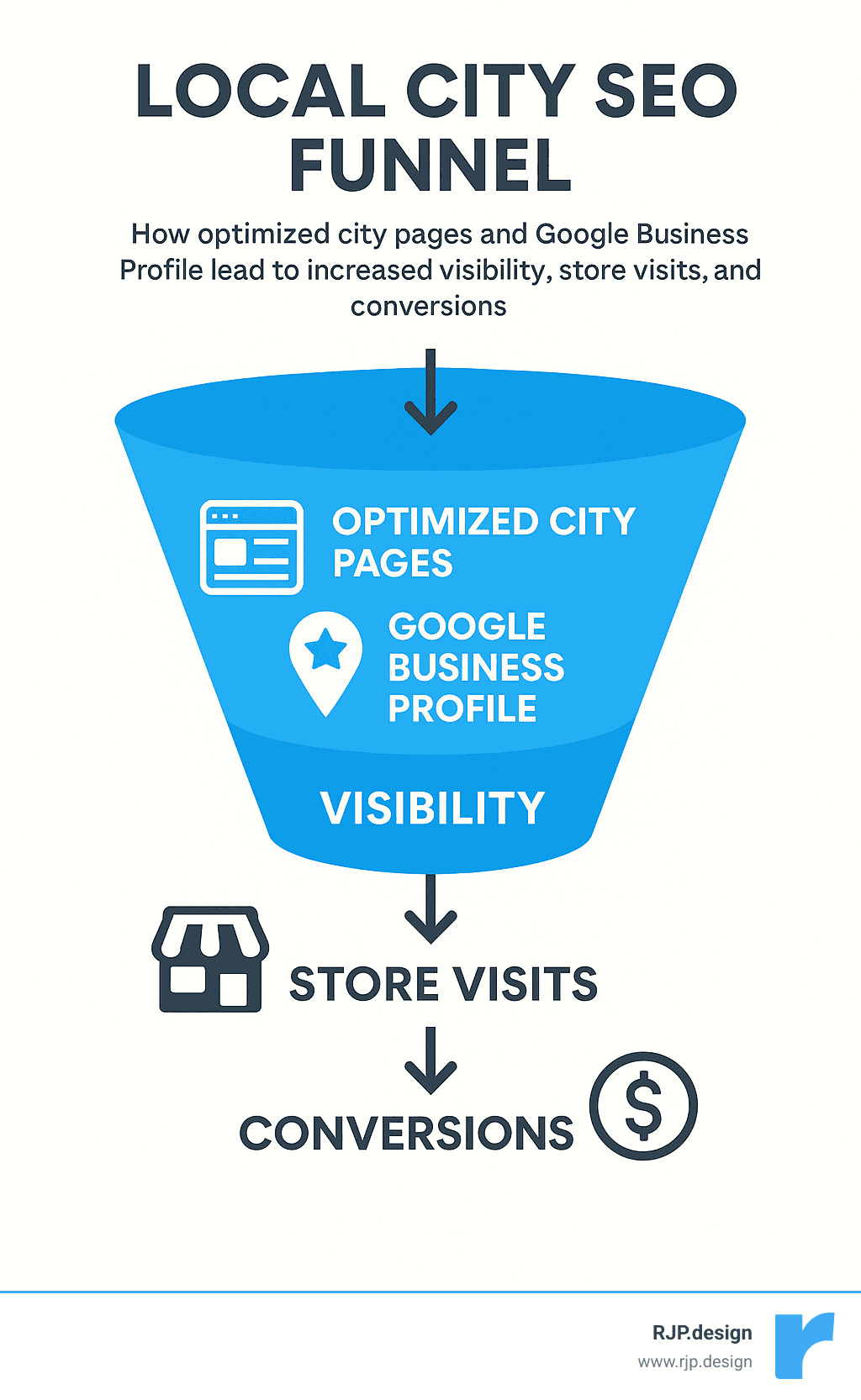
The numbers tell the story: 29% of all Google search results include a local pack (that valuable map with three business listings), creating prime real estate for capturing local customers. Even more impressive, businesses with fully optimized Google Business Profiles see 70% more visits than those with incomplete listings. That’s not just a small bump—it’s a game-changer for businesses serving multiple areas.
The Business Case for Local City SEO
The real-world impact of local city SEO makes investing in it a no-brainer:
Nearly half of Google searches have local intent, with people looking for solutions close to home. When people search locally on their phones, 78% end up making purchases offline, and 88% visit or call a business within 24 hours of their search.
“We had a client in Boulder who wanted to reach customers in surrounding communities,” shares our team at RJP.design. “After implementing city-specific pages, they started receiving calls from Louisville and Lafayette within weeks—areas where they previously had zero visibility.”
For service-based businesses like electricians, house cleaners, or attorneys, local city SEO essentially creates virtual storefronts in each target location. This strategy perfectly captures the explosion of “near me” searches, which have skyrocketed by over 900% in recent years according to Google’s data.
Local City SEO vs. Generic Local SEO: Key Distinctions
When comparing standard local SEO to local city SEO, three major differences stand out:
First, the proximity radius changes dramatically. Traditional local SEO typically focuses on a modest 15-20 mile bubble around your physical location. Local city SEO, however, strategically targets specific cities regardless of how far they are, letting you expand your digital reach beyond natural geographic limitations.
Second, city modifiers become central to your strategy. Rather than generic terms like “dentist near me,” local city SEO emphasizes specific city names throughout your content, URLs, and headings (like “Dentist in Louisville, CO”). This precision helps you connect with people searching specifically for services in those locations.
Third, businesses with multiple locations face unique challenges. You’ll need sophisticated strategies to prevent your own locations from competing against each other in search results, requiring thoughtful content creation and technical SEO approaches.
As one satisfied business owner told us: “Before working with RJP.design on our local city SEO, we were invisible beyond our hometown. Now we show up prominently in searches across five neighboring communities, and almost half our new business comes from these areas we weren’t reaching before.”
Crafting High-Ranking City Landing Pages
City landing pages are the cornerstone of effective local city SEO, serving as your digital storefronts in each community you serve. These pages tell both potential customers and search engines that you’re relevant to folks searching in those specific areas—even if you don’t have a physical shop there.
I always tell our clients that quality trumps quantity when it comes to city pages. Each page should be a genuine resource for visitors—not just the same content with different city names plugged in (that’s a quick way to earn Google’s doorway page penalties, and trust me, you don’t want those!).
When we’re building city pages for clients, we often debate the best URL structure. Here’s what we’ve learned:
URL Structure | Example | Pros | Cons |
|---|---|---|---|
City-Keyword | /denver-plumbing-services | Feels natural to users, puts city front and center | Might dilute your main keyword a bit |
Keyword-City | /plumbing-services-denver | Keeps your main keyword prominent | Sometimes feels less natural to readers |
Location Subdirectory | /locations/denver | Easy to scale as you add more cities | Less keyword punch for SEO |
Our testing shows that putting the city first often works better because it matches how people actually search. As my colleague likes to say, “Write for humans first, algorithms second.”
Need help crafting city pages that actually convert? Check out our Local SEO Services to see how we can help your business shine in multiple cities.
Essential Elements of a Winning Local City SEO Page
A city page that actually drives business needs more than just a few mentions of the city name. Here’s what we’ve found works best:
Your page should start with a strong H1 headline that includes the city name—something like “Professional Plumbing Services in Denver” immediately tells visitors they’re in the right place.
We always recommend using authentic local imagery wherever possible. One of our landscaping clients saw engagement double when they replaced stock photos with actual pictures of their work in specific neighborhoods.
An embedded Google Map isn’t just helpful for visitors—it signals to Google that you’re genuinely connected to that location. Similarly, city-specific FAQs addressing local concerns show both search engines and potential customers that you understand the unique needs of that community.
I love seeing the impact of local testimonials on conversion rates. As one client told me after we revamped their city pages, “When someone from Lakewood sees a review from their neighbor, they’re already halfway to becoming a customer.”
Don’t forget to mention specific neighborhoods within the city and include relevant local statistics that relate to your services. And of course, every page needs a clear call-to-action with city-specific contact information.
Structuring URLs for Local City SEO
The URL structure might seem like a small detail, but it can make a big difference in your local city SEO performance.
We typically recommend the city-first slug approach (like /denver-plumbing-services) as it tends to perform better in local search. This structure just feels more natural—it’s how people think about location-based services.
Always keep your URLs human-readable and clearly indicate both the location and service. I once audited a site with URLs like /loc5-srv3 and, unsurprisingly, they were struggling to rank!
If you’re targeting multiple cities, plan for scalability from the start. Create a consistent pattern you can replicate across all your locations. And don’t forget to use canonical tags if your city pages share similar content—this prevents duplicate content issues that can hurt your rankings.
Avoiding Duplicate & Doorway Page Penalties
Google’s getting smarter every day at spotting low-value city pages. To stay on their good side (and provide actual value to your visitors), focus on E-E-A-T principles—Experience, Expertise, Authoritativeness, and Trustworthiness.
Each city page should have at least 750-1,000 unique words that actually say something meaningful. We’re not just changing “Denver” to “Boulder” and calling it a day!
The magic happens when you include genuinely unique local content for each city. Talk about local regulations that affect your service, how the city’s climate impacts your work, community projects you’ve participated in, or services you’ve customized for that specific area.
Be thoughtful with your internal linking strategy—connect city pages where it makes sense, but avoid a pattern where every page links to every other page in exactly the same way.
I remember working with a real estate agency that had created 30 nearly identical city pages. When their traffic tanked after a Google update, we rebuilt each page with unique market data, neighborhood guides, and local client stories. Six months later, their traffic was up 215%—proof that quality really does beat quantity in local city SEO.
Optimizing Google Business Profile & NAP for Multi-City Dominance
While city landing pages are crucial for local city SEO, optimizing your Google Business Profile (GBP) is equally important for appearing in the coveted Map Pack—the local 3-pack that appears at the top of search results for location-based queries.
According to Google’s own research, businesses with complete profiles are 70% more likely to attract location visits and 50% more likely to lead to purchases. For businesses targeting multiple cities, this presents both opportunities and challenges.
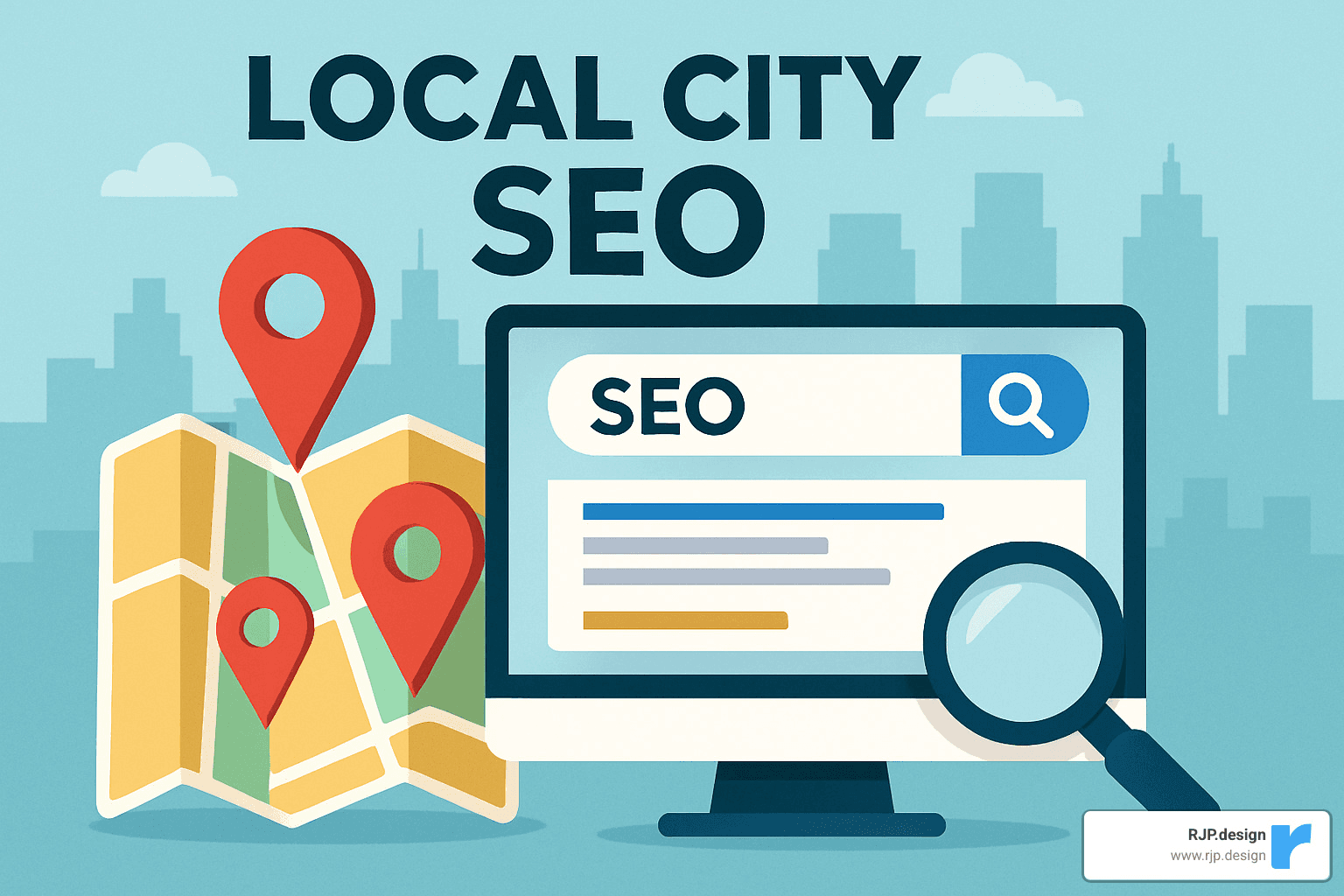
Here’s how to optimize your GBP for multi-city targeting:
Complete every section: Fill out all available fields, including business category, hours, attributes, and services
Select precise categories: Choose the most specific primary category and relevant secondary categories
Define service areas: Add all cities you serve in the “Service Areas” section, even if you don’t have physical locations there
Add city-specific posts: Create GBP posts that mention work in specific cities with relevant images
Maintain consistent NAP: Ensure your Name, Address, and Phone number match exactly across your website and all directories
For service-area businesses, proper setup is especially critical. As one home services provider told us: “Adding our 15 service-area cities to our GBP increased our Map Pack appearances by 340% for searches in those locations, even though we only have one physical office.”
Interested in optimizing your Google Business Profile? Learn more about our Habazar: Google My Business Optimization to Help Rank Your Sites service.
Using Reviews & Testimonials for Local City SEO
Reviews play a crucial role in local city SEO, with 17% of SEO experts considering them among the top factors for Map Pack rankings. Here’s how to leverage reviews effectively:
Generate city-specific review links: Create custom Place ID links that pre-fill the city name in review requests
Respond to all reviews: Reply to both positive and negative reviews, mentioning the city when appropriate
Highlight city-specific testimonials: Feature reviews from customers in target cities on your corresponding city pages
Implement review schema: Add structured data markup to display star ratings in search results
Create a review acquisition strategy: Develop a systematic approach to requesting reviews from clients in each city you serve
“We implemented a city-specific review strategy for a dental practice,” explains our digital strategist. “By adding the patient’s city to review requests, we increased the mention of location names in reviews by 87%, which correlated with improved rankings in those specific cities.”
Building Consistent NAP & Citations
NAP (Name, Address, Phone number) consistency is fundamental to local city SEO success. According to industry research, 7% of SEO experts consider citations among the most important ranking factors for both Map Pack and organic results.
To build a strong citation profile:
Conduct a NAP audit: Use tools like Whitespark or BrightLocal to identify inconsistent listings
Fix discrepancies: Correct any variations in how your business information appears online
Target high-authority directories: Focus on major platforms like Yelp, Yellow Pages, and Facebook first
Add city-specific citations: Get listed in directories specific to each target city (local chambers, business associations)
Implement LocalBusiness schema: Add structured data markup to your website with service area information
A landscaping company we worked with finded 27 different variations of their business name and address across online directories. After cleaning up these inconsistencies, they saw a 41% increase in local organic traffic within three months.
Advanced Local City SEO Tactics That Move The Needle
Ready to take your local city SEO to the next level? Once you’ve nailed the basics, these powerful strategies can help you leave competitors in the dust and capture more customers in every city you serve.
Local Keyword Research
Finding exactly how people search for your services in different cities is the foundation of successful local city SEO. It’s not just about slapping city names onto your keywords – it’s about understanding the unique search behavior in each location.
“We finded something fascinating with one of our HVAC clients,” says our SEO specialist. “In northern cities, ‘furnace repair’ dominated searches, while southern locations preferred ‘AC repair.’ By tailoring their city pages to match these patterns, their relevant organic traffic jumped by 53%.”
When researching local keywords, dig deeper with Google Keyword Planner’s “Start with a website” feature to uncover location-specific terms. Don’t forget to check Google Autocomplete by typing “[service] in [city]” – those suggestions are gold! Yelp’s search suggestions can reveal how locals talk about services, and studying competitors’ rankings in target cities often uncovers opportunities they’ve missed.
Pay special attention to regional terminology variations. In some cities, people might search for a “sub sandwich” while others look for a “hoagie” or “hero” – these nuances can make or break your local rankings.
Want to see how video can boost your local visibility? Check out our guide on Mastering Local SEO: Using Video to Dominate Local Search.
Local Image, Video & Voice Optimization
With voice searches making up 20% of mobile queries and visual search growing rapidly, optimizing your multimedia elements for local city SEO is no longer optional – it’s essential.
For images, remember to add geolocation data in the EXIF information and include city names in file names (like “denver-plumbing-project.jpg”). Write alt text that naturally incorporates location references, and caption your images with city mentions when relevant.
Videos are particularly powerful for local engagement. “The neighborhood tour videos we created for a real estate client’s city pages were game-changers,” our content director shares. “Not only did visitors stay on the page 3.2 minutes longer, but we also started winning featured snippets for ‘what is it like to live in [neighborhood]’ queries.”
Make your videos work harder by including city names in titles, descriptions, and tags. Adding transcripts with location mentions helps search engines understand the local relevance of your content. Then embed these videos on your corresponding city pages for maximum impact.
For voice search optimization, focus on conversational, question-based queries that people actually speak. Create FAQ content that addresses location-specific questions and ensure your NAP information is easily accessible for those “near me” searches.
Local Link Building & Structured Data Hacks
When it comes to local city SEO, quality backlinks with geographic relevance can dramatically boost your rankings. In fact, 31% of SEO experts consider backlinks the most important element for organic local rankings.
Instead of chasing any old links, focus on building connections with local credibility. Join Chambers of Commerce in each city you serve, sponsor community events, and seek local news coverage about your work in specific neighborhoods. Industry-specific local directories and partnerships with non-competing local businesses can also yield valuable links that signal your relevance to search engines.
“A law firm client of ours sponsored five community events across different cities they served,” our link building specialist recalls. “The backlinks they earned from event websites, local news, and community organizations increased their organic visibility in those cities by 67% in just six months.”
Combine your link building with strategic structured data implementation. Use LocalBusiness schema with serviceArea properties to define all cities you serve. Mark up events you host or sponsor in target cities with Event schema. Include location information in your Review schema and add structured data to location-specific FAQs for improved search visibility.
Tracking Local City SEO Rankings Across Multiple Locations
You can’t improve what you don’t measure, and tracking local city SEO performance requires specialized tools and approaches.
Grid-based rank tracking tools like Local Falcon or Grid My Business allow you to check rankings at different points across each city – crucial since rankings can vary dramatically even within a few miles. “We finded our plumber client ranked #1 in the city center but dropped to #7 just three miles away,” our analytics specialist explains. “After implementing grid-based tracking, we identified and fixed the proximity issues, eventually achieving top-3 rankings across their entire service area.”
Filter Google Search Console data by city name queries to see how you’re performing for specific locations. Set up city-specific goals in Google Analytics to track conversions from each target area. For phone leads, implement dynamic number insertion to track calls from different city pages, and use UTM parameters to monitor which traffic sources are delivering results in each location.
Ready to dominate Google Maps across all your service areas? Learn more about our approach to Google Maps Optimization and start climbing those local rankings today.
Measuring Success & Avoiding Common Pitfalls
Let’s talk about what really matters after you’ve put all that local city SEO work in place—how do you know if it’s actually working? And more importantly, how do you avoid those frustrating mistakes that can undo all your hard work?
Dashboarding Local City SEO Metrics
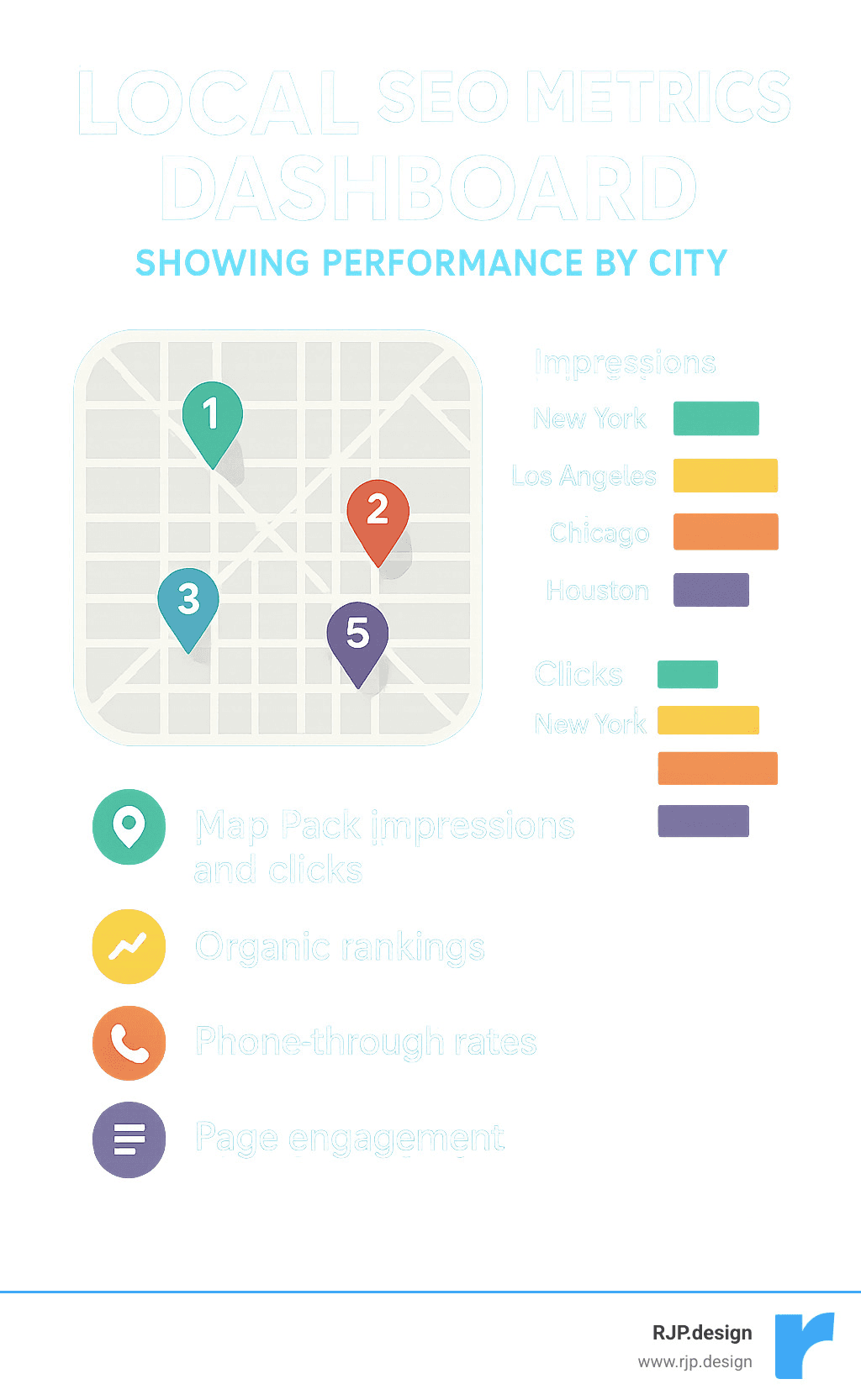
Think of your local city SEO metrics like a health dashboard for your multi-location business. You wouldn’t drive a car without a speedometer, right? Similarly, you need to track these key indicators:
Map Pack appearances matter tremendously—after all, they’re front and center in search results. Make sure you’re tracking both impressions and clicks for each city you’re targeting. Are people seeing you in that coveted local pack? Better yet, are they clicking through?
Beyond just rankings (which are still important!), pay attention to how users actually interact with your city pages. A page that ranks well but has a high bounce rate is like a store with a great sign but nothing worth buying inside.
One of our clients, a multi-location dental practice, was thrilled with their rankings but puzzled by low conversion rates. When we dug into their city-specific metrics, we finded their Denver page had great traffic but almost no conversions. The culprit? A broken contact form that only affected that particular page. Without city-specific tracking, this issue might have gone unnoticed for months.
According to Moz’s Local Search Ranking Factors study, Google Business Profile signals contribute a whopping 33% to local pack rankings, followed by on-page signals (16%), link signals (15%), and review signals (15%). This research gives us a roadmap for what to monitor most closely.
“When we set up call tracking with dynamic number insertion for our city pages,” shared one of our home services clients, “we finded that our Aurora page was generating three times the calls of our Denver page, despite having half the traffic. This insight completely changed our content strategy.”
Classic Local City SEO Mistakes to Skip
We’ve seen businesses make the same local city SEO mistakes time and again. Let’s make sure you’re not one of them!
Over-templating content is perhaps the deadliest sin in local city SEO. You know the type—pages where only the city name changes while everything else remains identical. Google’s not fooled, and neither are your potential customers. Each city has its own personality, challenges, and needs. Your content should reflect that uniqueness.
One client came to us after being penalized for creating 50+ nearly identical city pages. We pared down to 12 high-quality, genuinely unique pages, and their traffic more than tripled within six months. Less truly was more!
NAP inconsistencies can sabotage even the best local city SEO strategy. When your business name, address, and phone number vary across different platforms, it confuses both search engines and customers. Make it a habit to audit your NAP information regularly—it’s like dental flossing, not glamorous but absolutely necessary.
Ignoring reviews is like turning your back on free advertising. Reviews not only influence rankings but also heavily impact consumer decisions. Make responding to reviews (both good and bad) part of your regular routine, and actively encourage satisfied customers to share their experiences.
Poor mobile experience is particularly harmful for local searches since so many people search on-the-go. If your beautifully crafted city pages load slowly or look terrible on mobile, you’re essentially turning away customers at the door.
“The mobile experience was our blind spot,” admitted one restaurant owner we worked with. “After optimizing our city pages for mobile users, our reservation rates increased by 27% almost immediately.”
Local city SEO isn’t just about pleasing search engines—it’s about connecting real people in specific locations with your business. Keep your focus on creating genuine value for each community you serve, and both Google and your customers will reward you for it.
Frequently Asked Questions about Local City SEO
What’s the ideal URL structure for local city SEO?
When it comes to choosing the perfect URL structure for your local city SEO efforts, I’ve found through years of testing that there are three approaches that tend to work well:
The city-first approach puts your location front and center: yourwebsite.com/denver-plumbing-services. This structure often performs best in our client testing because it mirrors how people actually search.
The service-first approach leads with what you do: yourwebsite.com/plumbing-services-denver. This can work particularly well if your service keywords have high search volume.
The location directory approach creates a dedicated section for all your locations: yourwebsite.com/locations/denver. This creates a clean, organized site architecture.
In my experience working with dozens of multi-location businesses, consistency matters more than which specific structure you choose. Pick one that feels right for your business and apply it uniformly across all your city pages to help both users and search engines understand your site.
How many city pages can I create without looking spammy?
I get this question all the time, and my honest answer is always: “It depends on how much unique value you can provide for each location.”
There’s no magic number, but quality absolutely trumps quantity. I’ve seen businesses create 50+ thin city pages only to watch their rankings plummet after a Google update. Meanwhile, others with just 5-10 robust, thoughtful city pages dominate their markets.
Only create city pages for locations where you genuinely serve customers, can craft substantial unique content, have real testimonials or project examples to share, and where people are actually searching for your services.
For most of our clients at RJP.design, we recommend focusing on 5-15 high-quality city pages rather than spreading yourself thin. Just last month, we helped a client consolidate from 30 templated pages down to 8 comprehensive ones, and their organic traffic increased by 34% within weeks.
Does a Google Business Profile help if I’m service-area only?
Absolutely yes! This is one of the biggest misconceptions I encounter with service-area businesses.
Even if your business doesn’t have physical storefronts in all the cities you serve, a well-optimized Google Business Profile remains crucial for your local city SEO strategy. Here’s why it matters:
Google allows you to set specific service areas that include all the cities you target, which helps you appear in “near me” searches. You can create Google Posts highlighting recent work in specific neighborhoods, giving you visibility in those areas. Plus, collecting and responding to reviews from customers across different locations signals to Google your relevance throughout your service region.
I worked with a landscaping company last year that operates from a single warehouse but serves 15 surrounding communities. By carefully configuring their service areas in GBP and creating location-specific content and photo galleries, they now appear in the Map Pack for 12 of their target cities – a huge win for a business with just one physical address!
Don’t underestimate the power of a properly optimized GBP, even if you’re primarily a service-area business. It’s often the difference between invisibility and dominance in local search results.
Conclusion
Effective local city SEO is like having a digital storefront in every city you serve—even if your physical business only exists in one location. By thoughtfully implementing the strategies we’ve discussed, you can expand your reach and connect with customers across multiple cities who are actively searching for exactly what you offer.
The real magic happens when you create genuinely helpful city landing pages that actually answer local questions and address specific needs. Think quality over quantity every time. Your Denver page should feel different from your Boulder page because these communities have different characteristics and needs—and Google knows it.
I’ve seen businesses transform their reach by implementing these approaches. One landscaper we worked with went from struggling to get calls outside their immediate area to booking jobs across six surrounding cities within just three months of launching their city-specific content strategy.
Local city SEO isn’t a “set it and forget it” tactic. The most successful businesses regularly check their performance using grid-based tracking tools, analyze which city pages are performing best, and continuously refine their approach based on real data.
At RJP.design, we take a practical, down-to-earth approach to helping businesses just like yours expand their digital footprint. We’re not about fancy jargon or empty promises—we focus on creating city-specific digital assets that actually convert local searchers into paying customers.
Our team brings years of experience in crafting websites and enhancing online presence for businesses across countless industries. We ensure your digital presence not only looks great but strategically positions you to be found by potential customers in every city you serve.
Ready to stop missing out on customers in neighboring cities? Learn more about our approach to Google Search Optimization and how we can help your business become the go-to option in local search results across your entire service area.