
Web
Responsive Websites Made Easy with Tailwind CSS
Jan 31, 2025

Creating a responsive website tailwind is essential for ensuring your site looks great on any device. Tailwind CSS, a utility-first framework, simplifies the process of designing responsive web apps. It provides a comprehensive toolkit with thousands of building blocks, allowing you to style your website quickly without the need for custom CSS.
Responsive Design: Guarantees that websites adapt smoothly across all devices.
Tailwind CSS: A utility-first framework that facilitates the creation of clean and responsive designs without custom CSS.
User Experience: Tailwind CSS ensures consistency in user interface design, enhancing user interactions.
Tailwind CSS transforms web design with its adaptable utility classes that accommodate every screen size, ensuring an impeccable user experience. It’s intuitive, efficient, and ideal for anyone looking to future-proof their site in the evolving digital landscape.
As an expert in responsive website tailwind, I’m Ross Plumer, with extensive experience in digital marketing and web design. I’ve assisted businesses in significantly enhancing their online presence using these techniques. Now, let’s explore why responsive design is so vital.
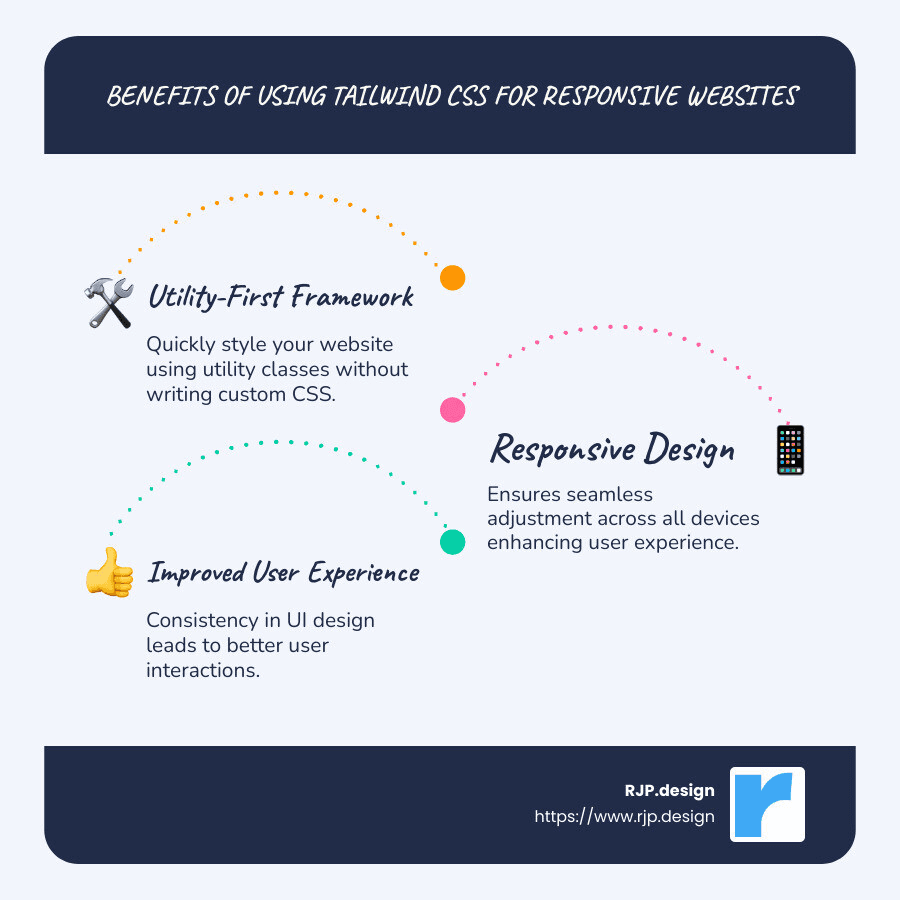
Responsive website tailwind terms made easy:
Understanding Responsive Design
Responsive web design is all about crafting websites that look and work great on any device. Whether it’s a desktop, tablet, or smartphone, the site should automatically adjust its layout and content to fit the screen size. This is crucial because more than half of web traffic now comes from mobile devices.
Why Responsive Design Matters
Mobile-Friendly: A responsive website ensures that users on mobile devices have a seamless experience. This means no pinching or zooming to read text or view images.
User Experience: A consistent and smooth user experience across devices leads to higher engagement. Visitors are more likely to stay on your site longer and explore more pages if they can easily steer and read content.
SEO Benefits: Search engines like Google prioritize mobile-friendly sites in their rankings. So, a responsive design can improve your search engine visibility, driving more organic traffic to your site.
Future-Proofing: With new devices and screen sizes emerging all the time, a responsive design ensures your site remains accessible and user-friendly without needing constant redesigns.
How Tailwind CSS Improves Responsive Design
Tailwind CSS, with its utility-first approach, simplifies the process of making a site responsive. It provides:
Breakpoints: Predefined screen size categories (like small, medium, large) that allow you to apply specific styles at certain screen widths. This makes it easy to adjust layouts for different devices.
Mobile-First Approach: Tailwind encourages designing for mobile devices first and then enhancing the design for larger screens. This ensures that the core user experience is optimized for the most common device type.
Utility Classes: With Tailwind, you can use utility classes to apply styles directly in your HTML, which speeds up development and ensures consistency. For example, you can use classes like
sm:flexorlg:w-fullto control layout and width at different breakpoints.
Incorporating these elements, Tailwind CSS empowers developers to build responsive website designs efficiently, ensuring a top-notch user experience across all devices.
Responsive Website Tailwind: Key Features
When it comes to building a responsive website with Tailwind CSS, three key features stand out: the utility-first approach, breakpoints, and the mobile-first strategy.
Utility-First Approach
Tailwind CSS is renowned for its utility-first approach, which means it provides thousands of tiny utility classes to construct designs directly in your HTML. This approach allows developers to style elements without writing custom CSS, leading to faster development and a more consistent design.
Direct Styling: Apply styles such as margins, padding, and colors right in your HTML. For example, using
text-centercenters text, whilebg-blue-500applies a blue background.Consistency: By using predefined utilities, you ensure that the styling is consistent across your project, which can be particularly beneficial in larger projects.
Breakpoints
Breakpoints in Tailwind CSS make it easy to create responsive designs. They allow you to apply styles conditionally based on the screen size.
Predefined Breakpoints: Tailwind includes five default breakpoints (
sm,md,lg,xl,2xl) that correspond to common device sizes. You can customize these breakpoints in thetailwind.config.jsfile to suit your project’s needs.Responsive Utilities: By prefixing utility classes with breakpoint names, you can effortlessly control styling at different screen sizes. For instance,
md:text-lgwould apply a larger text size only on medium screens and above.
Mobile-First Design
Tailwind encourages a mobile-first design strategy, which means you start by designing for the smallest screens and then progressively improve the design for larger screens.
Core Experience: By focusing on mobile devices first, you ensure that the core experience is optimized for the most common device type. This aligns with current trends where more than half of web traffic comes from mobile devices.
Progressive Improvement: Once the mobile design is in place, you can add improvements for larger screens using the responsive utilities and breakpoints.
By leveraging these features, Tailwind CSS simplifies the process of creating responsive designs, making it an excellent choice for developers looking to build adaptable and user-friendly websites.
Mastering Tailwind CSS for Responsive Design
When crafting a responsive website with Tailwind CSS, mastering tools like flexbox, grid, and typography is essential. These elements form the backbone of adaptable web designs, ensuring your site looks great on any device.
Flexbox
Flexbox is a powerful layout module that makes it easy to design flexible and efficient layouts. Tailwind CSS provides a plethora of flexbox utilities that help manage alignment, spacing, and distribution of elements.
Alignment and Distribution: Use classes like
flex,justify-center, anditems-centerto align items both horizontally and vertically. This ensures a balanced design across different screen sizes.Direction and Wrapping: With
flex-colorflex-row, you can control the direction of your flex items, whileflex-wrapallows them to wrap onto multiple lines, maintaining a clean layout on smaller screens.
Grid
The grid system in Tailwind CSS is another fantastic tool for creating complex layouts. It provides utilities to define grid columns, rows, and gaps, making it easier to manage content placement.
Grid Columns and Rows: Define the number of columns using classes like
grid-cols-3. This helps in organizing content efficiently, especially on larger screens.Responsive Grids: By combining grid utilities with breakpoints, you can create layouts that adjust based on screen size. For example,
md:grid-cols-2will switch to a two-column layout on medium screens and up.
Typography
Good typography is crucial for readability and aesthetic appeal. Tailwind CSS offers responsive typography utilities that help maintain legibility across devices.
Responsive Text Sizes: Use classes like
text-sm,md:text-base, andlg:text-xlto adjust font sizes at different breakpoints. This ensures text is readable on all devices.Line Height and Letter Spacing: Tailwind’s utilities like
leading-looseandtracking-wideallow for better control over text spacing, enhancing readability and visual harmony.
By mastering these tools in Tailwind CSS, you can create responsive designs that are both functional and visually appealing. These utilities not only streamline your workflow but also ensure a consistent user experience across all devices.
Next, we’ll explore how to customize Tailwind for your specific needs, including breakpoint customization and configuration options.
Customizing Tailwind for Your Needs
Tailwind CSS is not just about using predefined styles. It’s about making the framework work for your unique project needs. This involves customizing breakpoints, configuring the Tailwind setup, and using arbitrary values for flexibility.
Breakpoints Customization
Breakpoints are key in responsive design. They define how your layout changes at different screen sizes. Tailwind CSS allows you to customize these breakpoints to fit your specific requirements.
Here’s how you can set custom breakpoints in your tailwind.config.js file:
With this setup, you can target tablet, laptop, and desktop sizes with precision, ensuring your design adapts perfectly to each device.
Tailwind Configuration
Tailwind’s configuration file is the heart of your project’s styling. It allows you to define custom colors, spacing, fonts, and more. This level of customization ensures that your design system is consistent and custom to your project’s needs.
For example, to add a custom color palette, modify the colors section:
This customization helps you maintain a coherent brand identity across your site.
Arbitrary Values
Sometimes, you need more flexibility than predefined values offer. Arbitrary values are a powerful feature in Tailwind CSS that let you specify custom values directly in your HTML.
For instance, you can set a custom padding like this:
This approach allows you to fine-tune your design without cluttering your configuration file with every possible value.
Key Points
Breakpoints: Customize them to match your design needs.
Configuration: Define your own colors, spacing, and more for a cohesive design system.
Arbitrary Values: Use them for on-the-fly adjustments without altering the config file.
By tailoring Tailwind CSS to your specific needs, you empower your design process, making it more efficient and aligned with your project’s goals.
Next, we’ll dive into frequently asked questions about using Tailwind for responsive design, helping you understand the benefits and limitations of this powerful framework.
Frequently Asked Questions about Responsive Website Tailwind
Can Tailwind make a website responsive?
Absolutely! Tailwind CSS excels at creating responsive websites with ease. Its utility classes are designed to be applied across various breakpoints, ensuring your site looks great on all devices. For instance, you can use classes like w-16 md:w-32 lg:w-48 to adjust the width of elements at different screen sizes. This flexibility means you can build adaptive user interfaces without writing custom CSS for each breakpoint.
How does Tailwind improve responsive design?
Tailwind CSS improves responsive design through its utility-first approach. This means you apply predefined classes directly in your HTML to style elements. It streamlines the design process, allowing for rapid development and consistent styling. With Tailwind, you can easily create custom components that adapt to various screen sizes, thanks to its extensive set of utility classes and responsive variants. This approach not only improves design flexibility but also ensures a more maintainable codebase.
What is the disadvantage of Tailwind CSS?
While Tailwind CSS offers many benefits, it does have some drawbacks. One of the main criticisms is its limited design freedom. The utility-first approach can sometimes feel restrictive if you’re used to crafting unique styles from scratch. Designers may find it challenging to deviate from the predefined utility classes, which can lead to a “cookie-cutter” look if not customized properly. However, with creativity and customization, these limitations can be overcome, allowing for unique and custom designs.
Conclusion
At RJP.design, we take pride in offering high-quality service with a focus on client satisfaction. We understand that your website is not just a digital presence but a reflection of your brand. That’s why we use cutting-edge tools like Tailwind CSS to ensure your site is both visually stunning and responsive.
Our team specializes in creating responsive websites that look great on any device. With Tailwind CSS, we can quickly adapt to your needs, ensuring a seamless user experience. Our approach allows us to build sites that are not only beautiful but also functional. We believe in using the best technology to deliver results that exceed expectations.
Our clients appreciate our down-to-earth team and our commitment to their success. We work closely with you to understand your vision and bring it to life. With us, you’re not just getting a service; you’re getting a partner dedicated to helping your business thrive online.
If you’re ready to take your online presence to the next level, we invite you to explore our web design and development services. Let’s create something amazing together!