
SEO
Unlock Your WordPress Potential: A Guide to SEO Success
Aug 27, 2025
SEO for WordPress websites: Unlock Your Success 2025
Why SEO is Your WordPress Site’s Superpower
SEO for WordPress websites is the practice of optimizing your site to rank higher in search results and attract more organic traffic. Here’s the breakdown:
Essential WordPress SEO Steps:
Foundation – Choose reliable hosting, enable SSL, and configure basic settings.
Content – Research keywords, create quality content, and optimize titles/descriptions.
Technical – Improve site speed, submit sitemaps, and implement schema markup.
Monitor – Track performance with Google Search Console and Analytics.
WordPress powers over 43% of all websites, and its SEO-friendly code gives you a head start. But here’s the reality: simply having a WordPress site isn’t enough.
Many users feel the frustration: “I publish great content, but nobody finds it.” This is the common challenge of ignoring SEO.
Search engines are a massive source of traffic. Without proper optimization, you miss out on valuable visitors who are actively searching for what you offer.
I’m Ross Plumer, and I’ve helped businesses market over $20 million in revenue through strategic digital marketing and SEO for WordPress websites. My approach combines technical expertise with an understanding of user psychology to create SEO strategies that deliver real results.
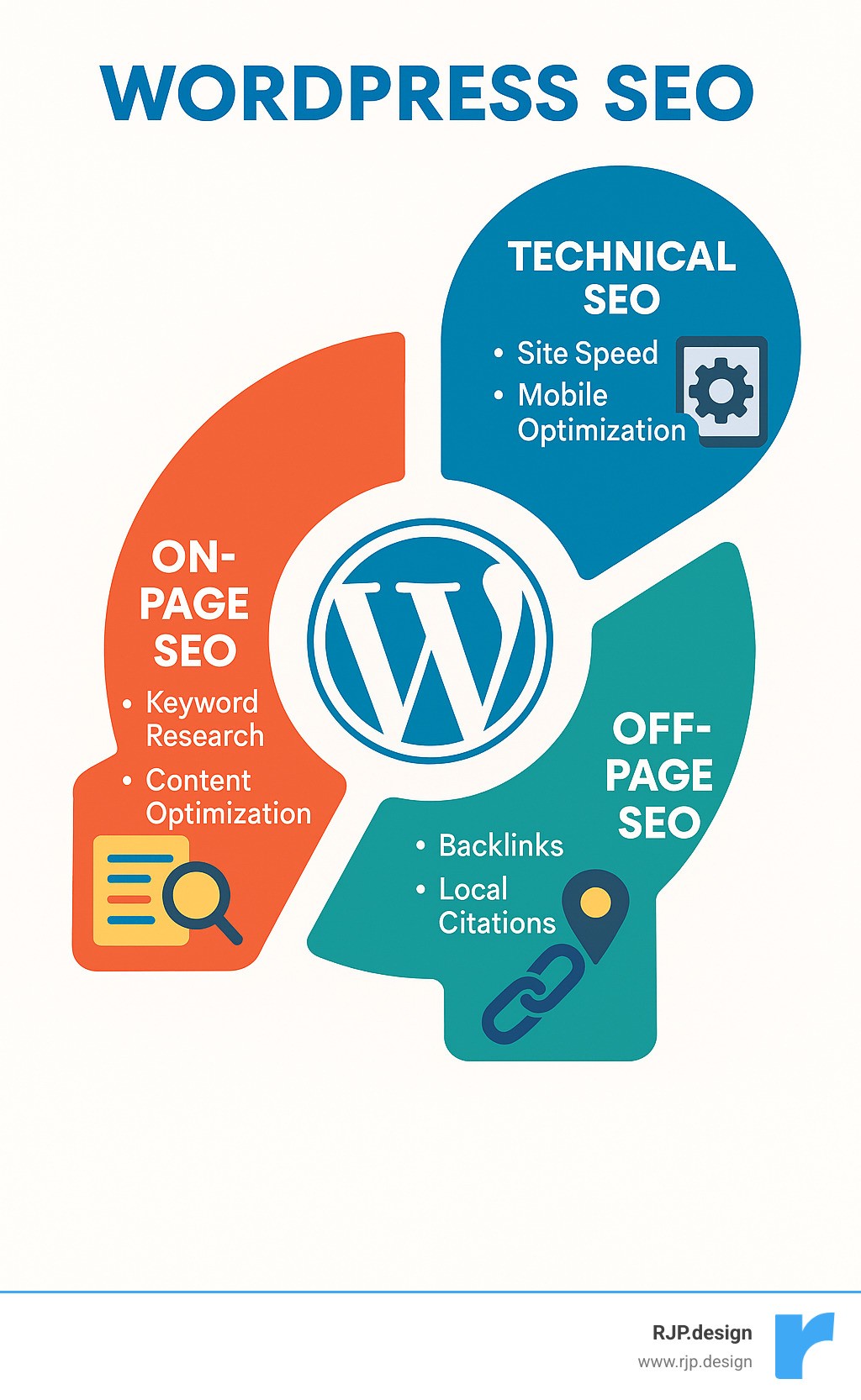
Basic SEO for WordPress websites terms:
Foundational WordPress SEO: Setting Up for Success
A successful WordPress site needs a solid foundation, just like a house. Getting the fundamentals of SEO for WordPress websites right from the start saves you from future headaches and costly fixes.
Choosing the Right Building Blocks
Your initial WordPress decisions have a lasting impact on your site’s SEO potential.
Reliable hosting is essential. Your host affects site speed, uptime, and security—all crucial for SEO. Since Google prioritizes fast sites, a slow host can sabotage your efforts. Choose a provider that emphasizes performance, scalability, and includes features like free SSL and caching.
Your theme choice also matters. The best themes for SEO are lightweight, load quickly, are mobile-friendly, and use proper heading structures in their code.
WordPress.org vs WordPress.com: For serious SEO and full control, choose the self-hosted WordPress.org. It offers unlimited customization with themes and plugins. WordPress.com plans can be limiting, restricting direct SEO control.
Don’t overlook SSL certificates and HTTPS. HTTPS encrypts your site’s connection and is a confirmed Google ranking signal. If your site still uses HTTP, making the switch should be a top priority.
Configuring Your Core WordPress Settings
Once your foundation is solid, fine-tune WordPress’s built-in settings for maximum SEO impact.
First, ensure search engines can find your site. This might sound obvious, but it’s a common mistake.
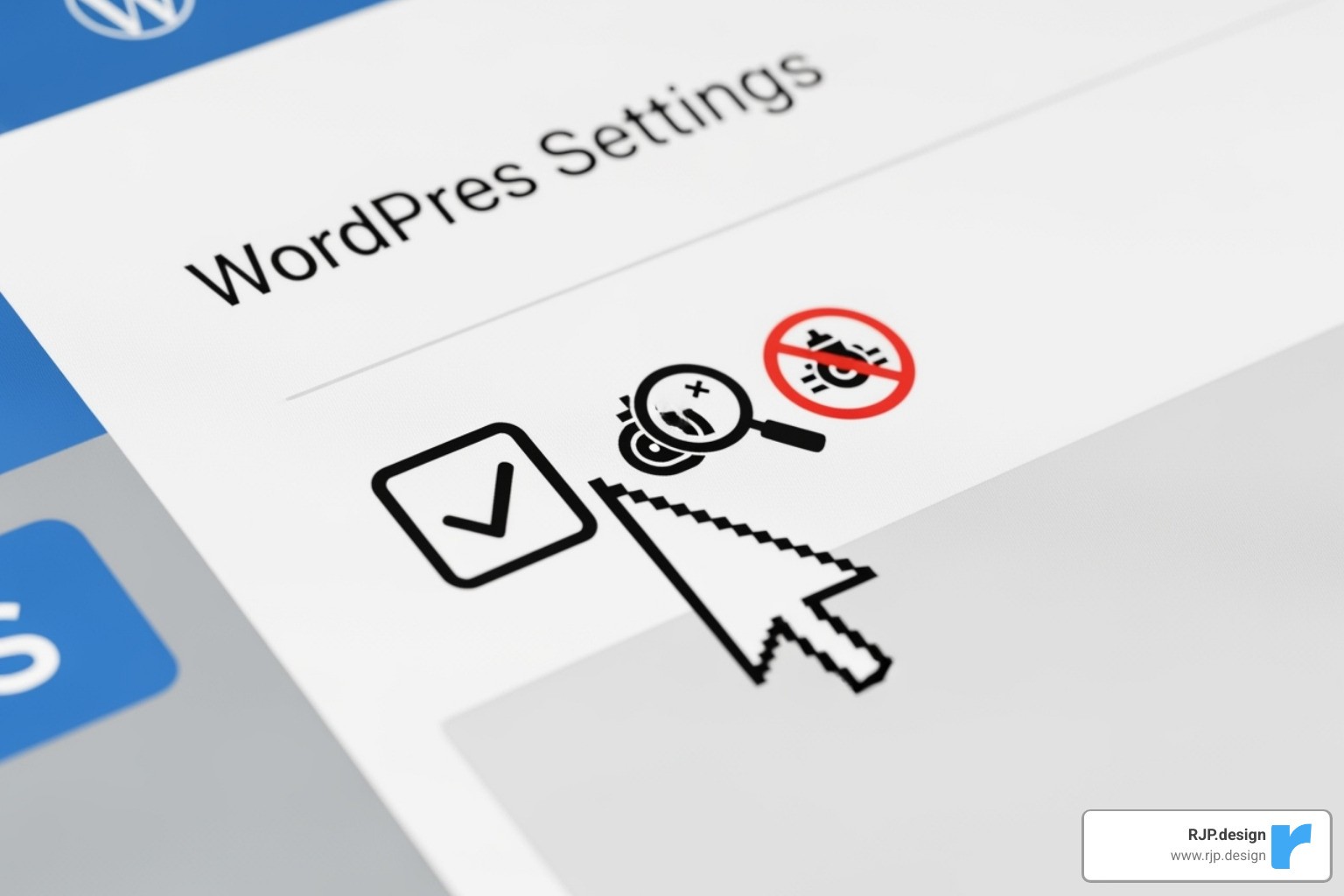
Go to Settings > Reading in your WordPress dashboard and ensure “Discourage search engines from indexing this site” is unchecked. If this box is checked, all your SEO efforts will be wasted.
Next, choose between WWW vs non-WWW for your site address. Google sees www.yourwebsite.com and yourwebsite.com as separate sites. Neither has an SEO advantage, but consistency is key. Pick one and stick with it.
As mentioned, the HTTPS ranking signal is important. Beyond security, Google prefers secure websites in search results. Ensure your SSL certificate is properly installed.
When you’re ready to take your site’s visibility to the next level, our Comprehensive SEO Services can help you steer these foundational steps and much more.
Structuring Your URLs and Navigation
Your URL and navigation structure impacts both search engines and user experience.
SEO-friendly permalinks are your first priority. Under Settings > Permalinks, we strongly recommend selecting “Post name” (/%postname%/).

This creates clean, readable URLs like yourwebsite.com/wordpress-seo-guide/ instead of yourwebsite.com/?p=123. Important note: Changing permalinks on an existing site can break links, so set this up correctly from the start.
Your URL slugs—the part identifying each page—should be short, descriptive, and include your main keyword. Avoid filler words like “the” or “and.”
Categories and tags organize your content. Use categories for broad groupings (e.g., “SEO Tips”) and assign each post to just one. Use tags for more specific topics within your content. Don’t use too many of either, as it can dilute their effectiveness.
Finally, add breadcrumbs. These navigation aids (e.g., Home > Blog > This Post) improve user experience and help search engines understand your site’s structure. Many SEO plugins and themes include this functionality.
Mastering On-Page SEO for WordPress Websites
With a solid foundation, it’s time to focus on the heart of SEO for WordPress websites: your content. This is where you connect with your audience and show search engines you’re worth ranking.
On-page SEO is about creating content that helps people while also speaking Google’s language. It’s easier than it sounds once you know the basics.
The Core of Content: Keyword Research and Strategy
You can write the most brilliant content, but if no one is searching for it, it won’t be found. This is why keyword research is essential.
User intent is the secret sauce. Understand why someone is searching. Are they looking for a tutorial, a service, or a product? A keyword with 1,000 monthly searches but perfect intent is more valuable than one with 10,000 vague searches. You can use free tools like Google Keyword Planner to find search volumes, but always prioritize the user’s goal.
Long-tail keywords are your best friend. Instead of targeting a competitive term like “WordPress SEO,” aim for longer phrases like “how to optimize WordPress for search engines.” These are easier to rank for and attract more qualified visitors.
Don’t forget competitor analysis. Look at what’s already ranking in your space to find topics and keywords they might have missed. This isn’t about copying; it’s about finding opportunities.
For a deeper dive, our SEO Keyword Research services can help uncover golden keyword opportunities.
Crafting High-Ranking Content
Now it’s time to create content that both Google and your readers will love.
Writing quality content is paramount. Google’s Helpful Content Update made it clear: create content for people first, search engines second. Focus on genuinely helping your audience solve their problems, not on stuffing keywords into your articles.
When optimizing titles and meta descriptions, you’re writing an ad for your content. Your title tag should grab attention, include your main keyword, and stay under 60 characters. Your meta description is your 160-character elevator pitch to convince someone to click.
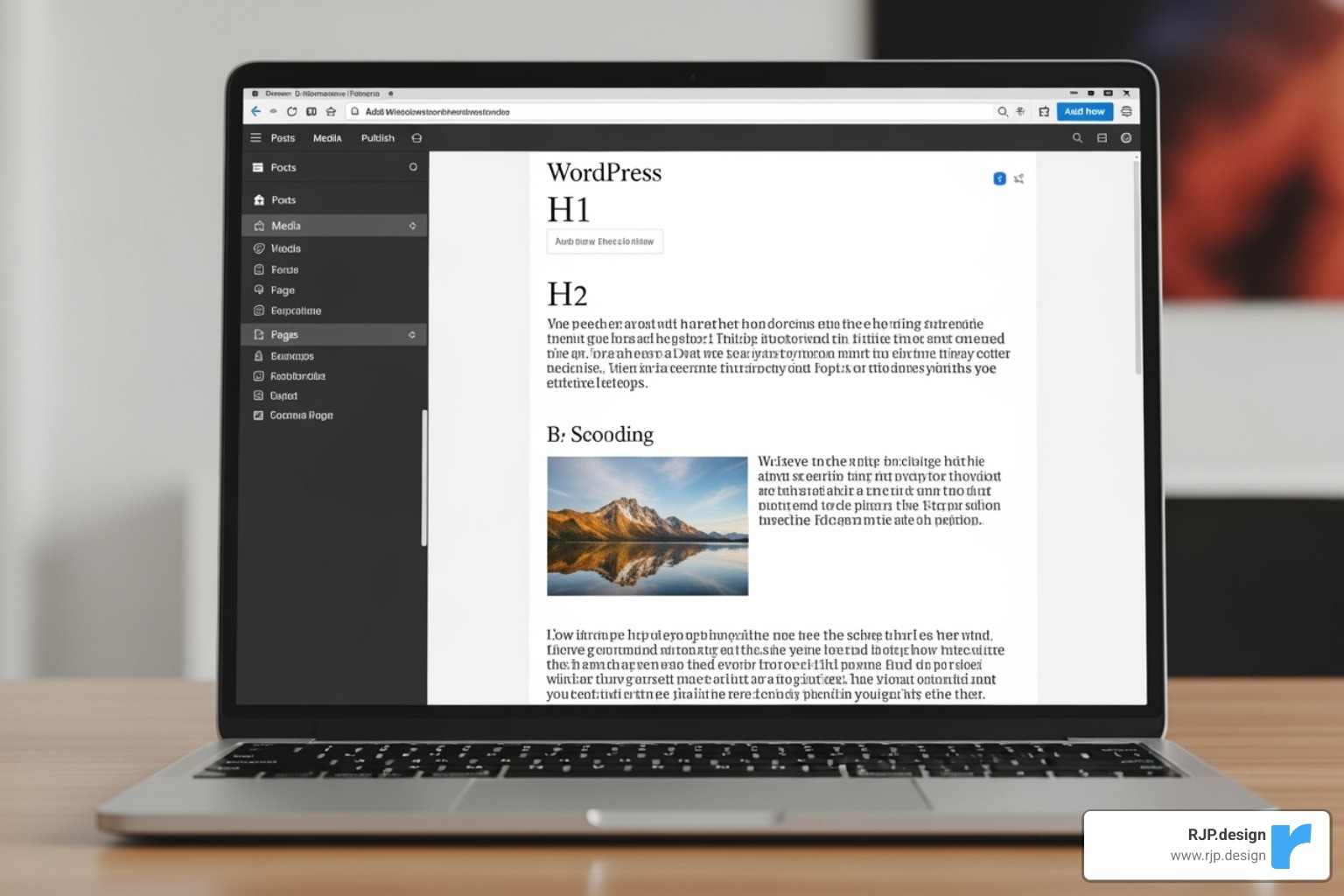
Heading structure is a powerful tool for SEO for WordPress websites. Use H1 for your main title, H2s for main sections, and H3s for subsections. This creates a clear outline for both readers and search engines.
Want to take your content to the next level? Our SEO Content Optimizer can help you create content that ranks well and serves your audience.
Optimizing Images and Internal Links
Small details can make a huge difference in your SEO success.
Image compression is crucial for site speed. Compress images before uploading them and use descriptive filenames like “wordpress-seo-tips-infographic.jpg” instead of “IMG_001.jpg.”
Alt text helps visually impaired users and gives search engines context about your images. Write a natural description of the image; don’t just stuff it with keywords.
Internal linking creates a roadmap through your website. When you mention a topic you’ve covered elsewhere, link to it. This helps search engines understand content relationships and keeps visitors on your site longer.
Use natural link anchor text—the clickable words. Instead of “click here,” use descriptive text like “our guide to WordPress speed optimization.” This gives users and search engines clear context.
Regularly check for broken links, as they frustrate both visitors and search engines. Our SEO Optimization Services can help you fine-tune all these elements for a website that users and search engines love.
Advanced & Technical SEO: Fine-Tuning Your Engine
Once you’ve mastered the basics, it’s time to fine-tune your site’s technical engine. This level of SEO for WordPress websites focuses on elements that can make or break your rankings.
Boosting Performance: Speed and Mobile-Friendliness
Site speed is critical. If your page takes more than 3 seconds to load, you could lose nearly half your visitors. Website speed is a direct ranking factor, and Google’s Page Experience update emphasizes it with Core Web Vitals.
Boost your WordPress speed with caching plugins (which store static page versions for faster delivery) and minification (which strips unneeded characters from code). Don’t forget image optimization and quality hosting, as a slow server is a major bottleneck.
Content Delivery Networks (CDNs) are another game-changer. They store copies of your site on servers worldwide, delivering content from the location closest to your visitor for faster load times.
Speed is only half the battle. With mobile-first indexing, Google primarily uses your mobile site for ranking. Your WordPress theme must be responsive and provide a great experience on all devices, from smartphones to desktops.
Our Technical SEO Experts can help diagnose and fix complex performance issues that may be holding you back.
Communicating with Search Engines: Sitemaps and Schema
Give search engines clear directions about your site’s content and structure.
An XML Sitemap is a roadmap of your website, listing all important pages for search engines to find and crawl. Most WordPress SEO plugins create and update this for you automatically.
Submit your sitemap to Google Search Console (and Bing Webmaster Tools). This gives search engines a direct path to your content, helps them index new pages faster, and alerts you to any crawling problems.
Schema markup takes this a step further. This code provides context about your content, telling search engines that a block of text is a recipe, a product, or an event. When implemented correctly, schema enables rich snippets—those improved search results with extra information.
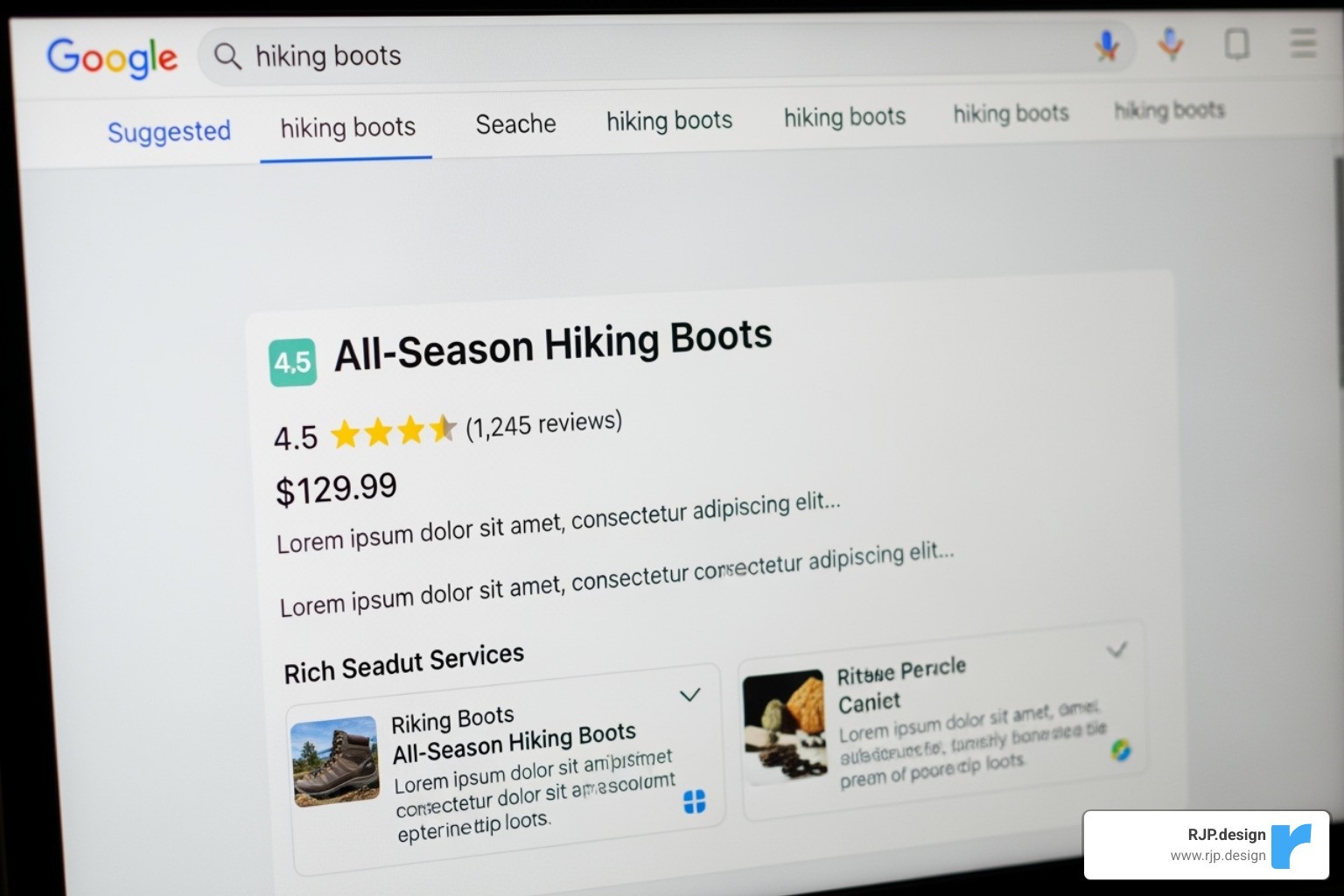
Rich snippets make your listing stand out and can significantly increase click-through rates. Our Google Search Optimization services can help you implement these advanced techniques.
Local SEO for WordPress Websites
If your business serves a specific geographic area, local SEO is your secret weapon.
NAP consistency is crucial. Your business Name, Address, and Phone number must be identical across your website, Google Business Profile, and all online directories.
Your Google Business Profile is your most powerful local SEO tool. Keep this free listing updated with accurate hours, photos, and services, and encourage customers to leave reviews.
Local business schema markup tells search engines your location, hours, and contact info, making it easier for them to display your business in local and map results.
Creating location-specific content, such as pages for each service area or blog posts about local events, shows search engines you’re a true part of the community.
We offer specialized Local SEO Services and can help you develop engaging Content for Local SEO that drives real foot traffic.
Monitoring, Maintaining, and Avoiding Common Pitfalls
The truth about SEO for WordPress websites is that it’s an ongoing process, not a one-time project. Like tending a garden, it requires regular attention. With the right tools and habits, monitoring your SEO becomes much easier.
Tracking Your SEO Performance
You can’t improve what you don’t measure. Tracking your SEO performance is essential for long-term success.
Google Search Console is your direct line to Google. This free tool shows you which keywords drive traffic, how your pages perform in search, and any crawling or indexing errors. It’s essential for diagnosing traffic issues.
Google Analytics shows you what happens after people land on your site. Are they staying? Which pages are most popular? This data helps you understand if you’re attracting the right audience.
Keyword rank tracking helps you spot trends over time. While daily fluctuations are normal, tracking your position for target keywords shows whether your strategy is working.
Regular SEO audits are like a check-up for your website. A comprehensive review of your site’s technical health, content, and user experience helps you catch issues before they become major problems. Our Search Engine Optimization Analysis services provide detailed insights to keep your site performing at its best.
Common SEO Mistakes to Avoid on WordPress Websites
Even well-intentioned site owners can fall into common SEO traps. Here are the ones to avoid:
Keyword stuffing: Avoid unnaturally repeating keywords. Search engines are smart enough to understand your topic without it. Write for humans, and let keywords fit in organically.
Ignoring mobile-friendliness: Google uses your mobile site for ranking. A poor mobile experience will cost you visitors and rankings. Test your site regularly on different devices.
Duplicate content: When Google finds the same content on multiple pages, it gets confused about which one to rank. Use canonical tags to specify the original version.
Thin content: Short posts that barely scratch the surface of a topic no longer cut it. Google prefers comprehensive, helpful content that thoroughly answers a user’s query.
Neglecting internal links: Every important page should be linked from another relevant page on your site. This helps search engines find your content and understand its context.
Poor user experience: A slow, confusing, or intrusive website will cause visitors to leave. Google sees this as a negative signal, which can harm your rankings.
Frequently Asked Questions about WordPress SEO
Over the years, we’ve helped countless businesses with their WordPress sites. Here are the answers to the most common questions about SEO for WordPress websites.
What’s the difference between on-page and off-page SEO?
On-page SEO is everything you control directly on your website. This includes content optimization, keywords, titles, headings, site speed, and technical elements like schema markup. If it happens on your site, it’s on-page SEO.
Off-page SEO refers to actions taken outside your website. The most significant factor is backlinks—links from other reputable sites. Think of these as votes of confidence that tell Google your content is valuable. Off-page SEO also includes social media mentions and brand citations, which often require outreach and relationship building.
How long does it take to see results from SEO?
The waiting game is one of the most frustrating parts of SEO, as there’s no definitive timeline. Most businesses see meaningful results in 4 to 6 months, but this varies. Competitive industries or new websites can take 8-12 months or more.
The timeline depends on factors like keyword competition, content quality, and your site’s authority. SEO is a marathon, not a sprint. The businesses that succeed are the ones that remain consistent and patient. The good news is that once SEO gains momentum, the results are often more sustainable than paid ads.
Can I do WordPress SEO without a plugin?
Technically, yes, but it’s like trying to build a house without power tools. WordPress has some built-in SEO features, like setting permalinks and controlling search engine visibility. However, handling XML sitemaps, meta descriptions, and schema markup manually requires significant technical skill and time.
Quality SEO plugins simplify these complex tasks. They offer real-time content analysis, automatically generate sitemaps, implement schema without code, and provide suggestions for internal linking. For most site owners, an SEO plugin isn’t just helpful—it’s essential for focusing on what matters most: creating great content.
Conclusion: Your Next Steps to SEO Dominance
You’ve just completed a comprehensive journey through SEO for WordPress websites. It’s normal to feel a bit overwhelmed, but every expert starts somewhere.
The key to SEO is remembering it’s a marathon, not a sprint. Success comes from consistent, steady improvements over the long term, not overnight changes.
Think of it like tending a garden: with continuous improvement and the right care, your digital presence will eventually bloom.
Let’s recap the key takeaways. Your success starts with a rock-solid foundation (reliable hosting, SSL, proper settings). From there, create genuinely helpful, keyword-informed content that puts people first. Master the technical details like site speed, mobile-friendliness, sitemaps, and schema markup. For local businesses, NAP consistency and a strong Google Business Profile are vital.
Finally, stay vigilant by monitoring your performance and avoiding common pitfalls. The businesses that thrive are the ones that learn from their data and adapt.
At RJP.design, we’ve seen how the right SEO strategy can transform a business. We understand that navigating these waters can feel daunting, which is why our down-to-earth team exists—to make your online success feel achievable, not overwhelming.
We believe every business deserves to be found by the people who need them most. Whether you’re just starting or looking to improve, we’re here to help you cut through the complexity and focus on what moves the needle.
Ready to turn this knowledge into real results? Take your online presence to the next level with our digital marketing services. We’re excited to partner with you on your journey to SEO dominance.