
Web
Mastering Easy Responsive Design: Tips and Tricks
Sep 25, 2024

Why Responsive Design is Crucial for Your Business
Easy responsive design is no longer just a trend; it’s a necessity for any modern website. When over 51% of web traffic comes from mobile devices, it’s critical to ensure your site looks great and functions well on all screens.
Quick Takeaway:
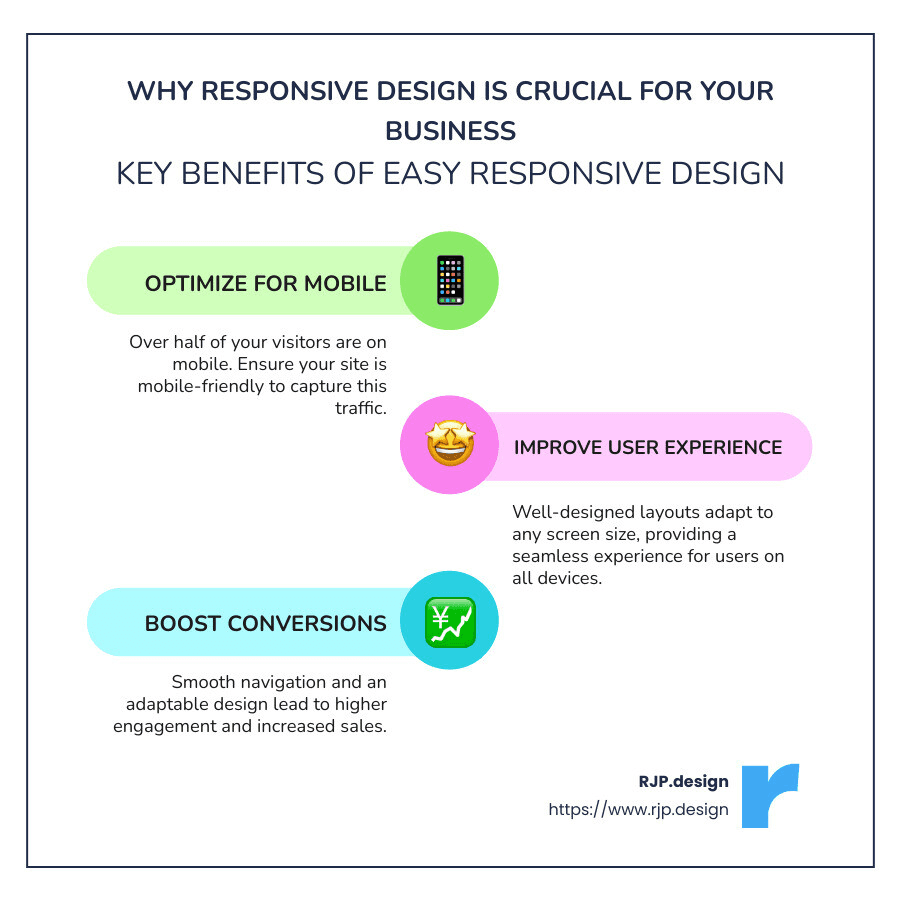
1. Optimize for Mobile: Over half of your visitors are on mobile.
2. Improve User Experience: Well-designed layouts adapt to any screen.
3. Boost Conversions: Smooth navigation means higher sales.
Responsive design doesn’t just improve user experience; it also boosts business growth. Making your website adaptable ensures that users on smartphones, tablets, laptops, and desktops all have an excellent experience, leading to higher engagement and conversion rates.
Responsive design should be at the core of your digital strategy. It’s not just about fitting content to screens but also about enhancing the user journey and, ultimately, growing your business.
I’m Ross Plumer, and I’ve guided businesses to master easy responsive design, driving significant results in competitive markets. Let’s dive deeper.
Quick look at easy responsive design:
– creative web design agency
– responsive website design agency
What is Responsive Web Design?
Responsive web design is an approach that ensures your website looks and works well on any device, from mobile phones to desktop computers. This concept was first introduced by Ethan Marcotte in 2010. He coined the term “responsive design” to describe a method of designing web pages that use fluid grids, fluid images, and media queries to adapt to different screen sizes.
Fluid Grids
Fluid grids are the backbone of responsive design. Instead of using fixed-width layouts, fluid grids use percentages to define the width of elements. This makes the layout flexible and able to adjust to various screen sizes. For example, a column that takes up 50% of the screen will always take up half of the screen, whether it’s on a small mobile device or a large desktop monitor.
Fluid Images
Fluid images are set to not exceed the width of their container. This is achieved by setting the max-width property to 100%. This ensures that images scale down to fit smaller screens but do not grow larger than their original size, preventing pixelation.
html
<img src="example.jpg" style="max-width:100%; height:auto;">
Media Queries
Media queries allow you to apply different styles based on the characteristics of the device viewing the content. For instance, you can change the layout when the screen width exceeds a certain size. This is useful for creating breakpoints where the layout shifts to better fit the screen.
css
@media screen and (min-width: 80rem) {
.container {
margin: 1em 2em;
}
}
Single-Column and Multi-Column Views
Responsive design often starts with a single-column layout for narrow screens, like mobile phones. As the screen width increases, the layout can shift to a multi-column format. This is known as the mobile-first approach, where you design for the smallest screen first and then add improvements for larger screens.
Example:
– Single-Column View: On mobile, content is stacked vertically in a single column for easy scrolling.
– Multi-Column View: On tablets and desktops, the content can be displayed in multiple columns to make better use of the available screen space.
Why It Matters
Responsive design is crucial because it ensures a consistent and optimized user experience across all devices. With over half of web traffic coming from mobile devices, having a responsive site is no longer optional—it’s essential for user satisfaction and business success.
Quick Recap:
– Fluid Grids: Use percentages for flexible layouts.
– Fluid Images: Ensure images scale correctly.
– Media Queries: Apply different styles based on screen size.
– Single-Column to Multi-Column: Adapt layout for different devices.
Responsive web design is about creating a seamless experience for users, no matter what device they use. It’s a fundamental aspect of modern web development and a key driver of user engagement and business growth.

Next, let’s look at the Building Blocks of Easy Responsive Design, where we’ll dive into the essential elements like HTML, CSS, and more.
Building Blocks of Easy Responsive Design
Creating a responsive website doesn’t have to be complicated. Let’s explore the essential building blocks that make it easy.
HTML and CSS Basics
HTML and CSS form the foundation of any web design. HTML (HyperText Markup Language) structures your content, while CSS (Cascading Style Sheets) styles it.
HTML defines elements like headings, paragraphs, and images. For example, to add an image:
html
<img src="image.jpg" alt="Sample Image" class="responsive-img">
Use CSS to style these elements. Instead of setting fixed widths, use percentages to make your design flexible:
css
.responsive-img {
width: 100%;
}
Media Queries
Media queries allow you to apply different CSS rules based on device characteristics like screen size and resolution. Think of them as “if clauses” in programming.
css
@media screen and (min-width: 780px) {
.responsive-img {
width: 80%;
}
}
This code adjusts the image width to 80% when the screen is at least 780 pixels wide. Media queries help you create breakpoints where your layout changes to fit the screen better.
Fluid Layouts
A fluid layout uses dynamic values like percentages instead of fixed pixel values. This approach makes your layout adjust based on the viewport width. For instance, a sidebar that’s 25% of the screen will always take up a quarter of the screen, whether on a phone or a desktop.
Flexbox Layout
Flexbox is a CSS module that makes it easier to design flexible and responsive layouts. It allows elements to expand or shrink to fill available space.
css
.container {
display: flex;
justify-content: space-between;
}
Flexbox properties like justify-content and flex-direction offer more control than traditional layouts, making it perfect for complex designs.
Responsive Images
Images should be responsive to prevent slow load times and maintain quality. The srcset attribute in HTML allows you to specify different image sizes for different devices:
html
<img src="small.jpg" srcset="large.jpg 1024w, medium.jpg 640w, small.jpg 320w" sizes="(max-width: 600px) 480px, 800px" alt="Responsive Image">
This ensures users download the appropriately sized image for their device, improving performance.
Speed Optimization
Loading speed is crucial for user experience. Here are some tips:
Caching: Store static resources in the browser to reduce load times.
Minification: Remove unnecessary characters from your code to make it smaller.
Render-Blocking JS: Defer JavaScript that isn’t needed immediately to speed up initial page load.
Critical Rendering Path: Optimize the sequence in which the browser processes HTML, CSS, and JS to render the page faster.
By focusing on these areas, you can make your website not only responsive but also fast and efficient.
Next, we’ll dive into How to Implement Easy Responsive Design, providing a step-by-step guide to help you get started.
How to Implement Easy Responsive Design
Set Your Media Query Ranges
Setting the right media query ranges (or breakpoints) is crucial. Breakpoints are points where your design changes to fit different screen sizes better. For example, you might use the following breakpoints:
576px for portrait phones
768px for tablets
992px for laptops
1200px for large devices
These breakpoints align with Bootstrap standards, making it easier to follow a tried-and-true structure.
css
@media (min-width: 576px) {
/* Styles for portrait phones */
}
@media (min-width: 768px) {
/* Styles for tablets */
}
@media (min-width: 992px) {
/* Styles for laptops */
}
@media (min-width: 1200px) {
/* Styles for large devices */
}
Size Layout Elements with Percentages or Create a CSS Grid Layout
Using percentages instead of fixed units makes your layout flexible. For example, setting a container to width: 50% ensures it always takes up half the screen, regardless of the device.
css
.container {
width: 50%;
}
Alternatively, you can use a CSS Grid Layout for more complex designs. CSS Grid allows you to create a grid-based layout system with rows and columns.
css
.container {
display: grid;
grid-template-columns: 1fr 1fr;
gap: 10px;
}
The grid-template-columns property defines two columns of equal width, and gap adds space between them.
Implement Responsive Images
Responsive images ensure your site loads quickly and looks good on all devices. The srcset attribute in your <img> tag specifies different image sizes for different devices.
html
<img src="small.jpg" srcset="large.jpg 1024w, medium.jpg 640w, small.jpg 320w" sizes="(max-width: 600px) 480px, 800px" alt="Responsive Image">
This way, the browser picks the best image size based on the device, improving performance.
Use Responsive Typography
Typography should adapt to different screen sizes for readability. Use viewport width (vw) units or media queries to adjust font sizes.
“`css
body {
font-size: 4vw;
}
@media (min-width: 768px) {
body {
font-size: 2vw;
}
}
“`
In the example above, the font size adjusts based on the viewport width, ensuring text is always readable.
Test Responsiveness
Finally, test your design across multiple devices. Use Google’s mobile-friendly test to check how your site performs on smartphones.
Also, leverage Chrome Developer Tools to simulate different screen sizes:
Open your website in Chrome.
Right-click and select “Inspect.”
Click the “Toggle Device Toolbar” button to switch between device views.
Testing ensures your site looks great and functions well on all devices.
By following these steps, you can master easy responsive design and create a website that works seamlessly across all screen sizes. Next, we’ll look into Common Responsive Breakpoints to fine-tune your design further.
Common Responsive Breakpoints
Responsive breakpoints are essential for creating a seamless experience across different devices. Let’s explore the common breakpoints for mobile devices, tablets, laptops, and high-resolution screens.
Mobile Devices
Mobile devices come in various screen sizes, but some common dimensions include:
360 x 640 (standard mobile)
375 x 667 (iPhone 6/7/8)
360 x 720 (larger mobile)
375 x 812 (iPhone X)
411 x 731 (Pixel 2)
For mobile devices, a single-column layout often works best. This layout ensures that content is easy to read and steer on smaller screens. Additionally, using smaller font sizes can improve readability.
css
@media (max-width: 576px) {
body {
font-size: 1em;
}
.container {
width: 100%;
}
}
Tablets and Laptops
Tablets and laptops have larger screens, allowing for more complex layouts. Common screen sizes include:
768 x 1024 (standard tablet)
1366 x 768 (standard laptop)
For tablets, you might switch to a multi-column layout to make better use of the available screen space. On laptops, you can further optimize the design by adding more columns or larger images.
css
@media (min-width: 768px) {
.container {
display: grid;
grid-template-columns: 1fr 1fr;
gap: 20px;
}
body {
font-size: 1.2em;
}
}
High-Resolution Screens
High-resolution screens, like those on large desktops, offer even more space. Common breakpoints include:
1920 x 1080 (high-res laptop or desktop)
1200px (Bootstrap standard for large devices)
For these devices, you can add even more columns and larger fonts to use the screen space effectively.
css
@media (min-width: 1200px) {
.container {
grid-template-columns: 1fr 1fr 1fr;
}
body {
font-size: 1.5em;
}
}
Bootstrap Breakpoints
Bootstrap is a popular CSS framework that provides predefined breakpoints, making it easier to create responsive designs. The standard Bootstrap breakpoints are:
576px for portrait phones
768px for tablets
992px for laptops
1200px for large devices
Using these breakpoints ensures your design follows industry standards and works well across various devices.
css
@media (min-width: 576px) {
/* Styles for portrait phones */
}
@media (min-width: 768px) {
/* Styles for tablets */
}
@media (min-width: 992px) {
/* Styles for laptops */
}
@media (min-width: 1200px) {
/* Styles for large devices */
}
By understanding and implementing these common responsive breakpoints, you can ensure your website looks great on any device. Next, we’ll explore Frequently Asked Questions about Easy Responsive Design to address any lingering doubts.
Frequently Asked Questions about Easy Responsive Design
What is an example of responsive design?
Responsive design ensures that a website looks good on all devices, from desktops to mobile phones. A great example is Dropbox.
Dropbox uses a fluid grid and flexible images to adapt to different screen sizes. On a desktop, you see a multi-column layout with large images. On a mobile device, it shifts to a single-column layout with smaller images, making it easy to steer.
How to make a responsive website easy?
Creating a responsive website doesn’t have to be hard. Here are some simple steps to help you:
Fluid Grid: Use a fluid grid to set your layout in percentages rather than fixed widths. This allows your design to scale naturally with the screen size.
css
.container {
width: 90%;
max-width: 1200px;
margin: auto;
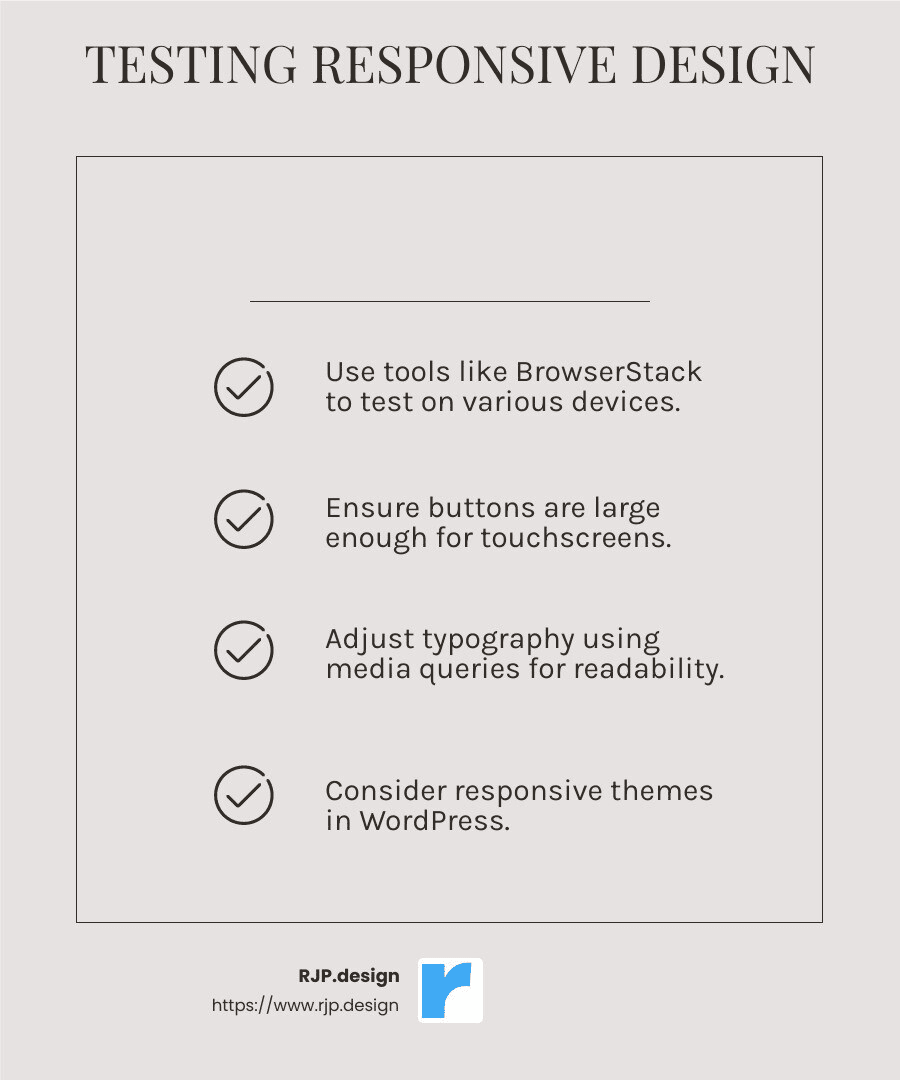
}Touchscreens: Make sure your design works well on touchscreens. Buttons should be large enough to tap easily, and menus should be simple to steer with a finger.
Typography: Use responsive typography to ensure that text is readable on all devices. You can use media queries to adjust font sizes based on screen width.
css
@media (max-width: 576px) {
body {
font-size: 1em;
}
}
@media (min-width: 768px) {
body {
font-size: 1.2em;
}
}
Pre-Designed Themes: If you’re using WordPress, consider a responsive theme. Many themes come with built-in responsive features, saving you time and effort.
Real Devices: Test your website on real devices. Tools like BrowserStack let you see how your site looks on various devices without needing to own them all.
Is responsive design still a thing?
Absolutely! Responsive design is more important than ever.
Evolution: As technology evolves, screen sizes and resolutions vary even more. Responsive design adapts to these changes, ensuring a consistent user experience.
User Behavior: People use multiple devices daily. They might start browsing on a phone, continue on a tablet, and finish on a laptop. Responsive design ensures a seamless experience across all devices.
Modern Practices: Modern web development practices, like using CSS Grid and Flexbox, make it easier to create responsive layouts. These tools simplify the process, allowing for more fluid and flexible designs.
By following these tips, you can master easy responsive design and ensure your website looks great on any device. Next, we’ll dive into Common Responsive Breakpoints to help you understand how to set up your design for different screen sizes.
Conclusion
Responsive design is essential for today’s digital landscape. With over half of web traffic coming from mobile devices, it’s crucial that websites look great and function well on all screens. By adopting easy responsive design, you can ensure a seamless user experience, which leads to higher engagement and better business outcomes.
At RJP.design, we specialize in creating websites that are not only visually appealing but also fully responsive. Our high-quality service and down-to-earth team make the process smooth and enjoyable for our clients. We prioritize client satisfaction, ensuring that your website meets all your needs and exceeds your expectations.
Why Responsive Design Matters
Responsive design isn’t just a trend; it’s a necessity. Here’s why:
User Experience: A responsive website ensures that users can easily steer and interact with your site, regardless of the device they’re using. This leads to higher user satisfaction and retention.
SEO Benefits: Search engines like Google prioritize mobile-friendly websites. A responsive design can improve your search engine rankings, making it easier for potential customers to find you.
Cost-Effective: Instead of creating separate websites for desktop and mobile, a responsive design allows you to maintain a single site that works on all devices. This saves time and money in the long run.
Our Commitment to Excellence
We believe that every business deserves a website that not only looks fantastic but also performs flawlessly. Our team is dedicated to delivering top-notch web design and development services that help your business thrive online.
Client Satisfaction: We work closely with you to understand your needs and deliver a website that aligns with your goals. Your satisfaction is our top priority.
High-Quality Service: From the initial consultation to the final launch, we ensure that every step of the process is handled with the utmost care and professionalism.
Ready to Get Started?
If you’re ready to take your online presence to the next level, contact us today. Let us help you create a responsive website that looks great on every device and drives real results for your business.
By embracing easy responsive design, you can provide a better user experience, improve your SEO, and ensure your website is future-proof. At RJP.design, we’re here to help you every step of the way. Let’s make your website shine on all screens!