
Web
Optimize for Core Web Vitals and Make Google Fall in Love with Your Site
Jul 15, 2026

Why You Need to Optimize for Core Web Vitals in 2026
To optimize for Core Web Vitals, focus on these three metrics Google uses to measure real-user experience:
Metric | What It Measures | Good Threshold |
|---|---|---|
LCP (Largest Contentful Paint) | How fast your main content loads | ≤ 2.5 seconds |
INP (Interaction to Next Paint) | How quickly your page responds to clicks and taps | ≤ 200 milliseconds |
CLS (Cumulative Layout Shift) | How much your page layout jumps unexpectedly | ≤ 0.1 |
Quick answer: Improve LCP by preloading your hero image with fetchpriority="high" and serving it in WebP or AVIF format. Fix CLS by adding explicit width and height to every image. Reduce INP by breaking up long JavaScript tasks using scheduler.yield(). All three must pass at the 75th percentile of real user visits.
Your website has roughly four seconds to make a first impression. If the main content takes too long to appear, the page jumps around while loading, or clicks feel sluggish — visitors leave. According to Google's own data, when a site meets Core Web Vitals thresholds, users are 24% less likely to abandon the page before it finishes loading.
That's not a small number. For a small business, that gap between a visitor staying or leaving is often the difference between a new customer and a missed opportunity.
As of July 2026, only 49% of mobile websites pass all three Core Web Vitals thresholds. That means more than half of the web is quietly losing visitors — and rankings — to pages that simply load, respond, and stay stable better than theirs do.
The good news? Most of the fixes are concrete and achievable, even if you're not a developer.
I'm Ross Plumer, a digital marketing and web development strategist with experience helping businesses market over $20 million in revenue — and knowing how to optimize for Core Web Vitals has been one of the most consistent levers I've seen move the needle on both rankings and conversions. Let's walk through exactly what to fix and how.

How to Optimize for Core Web Vitals to Boost Rankings and UX
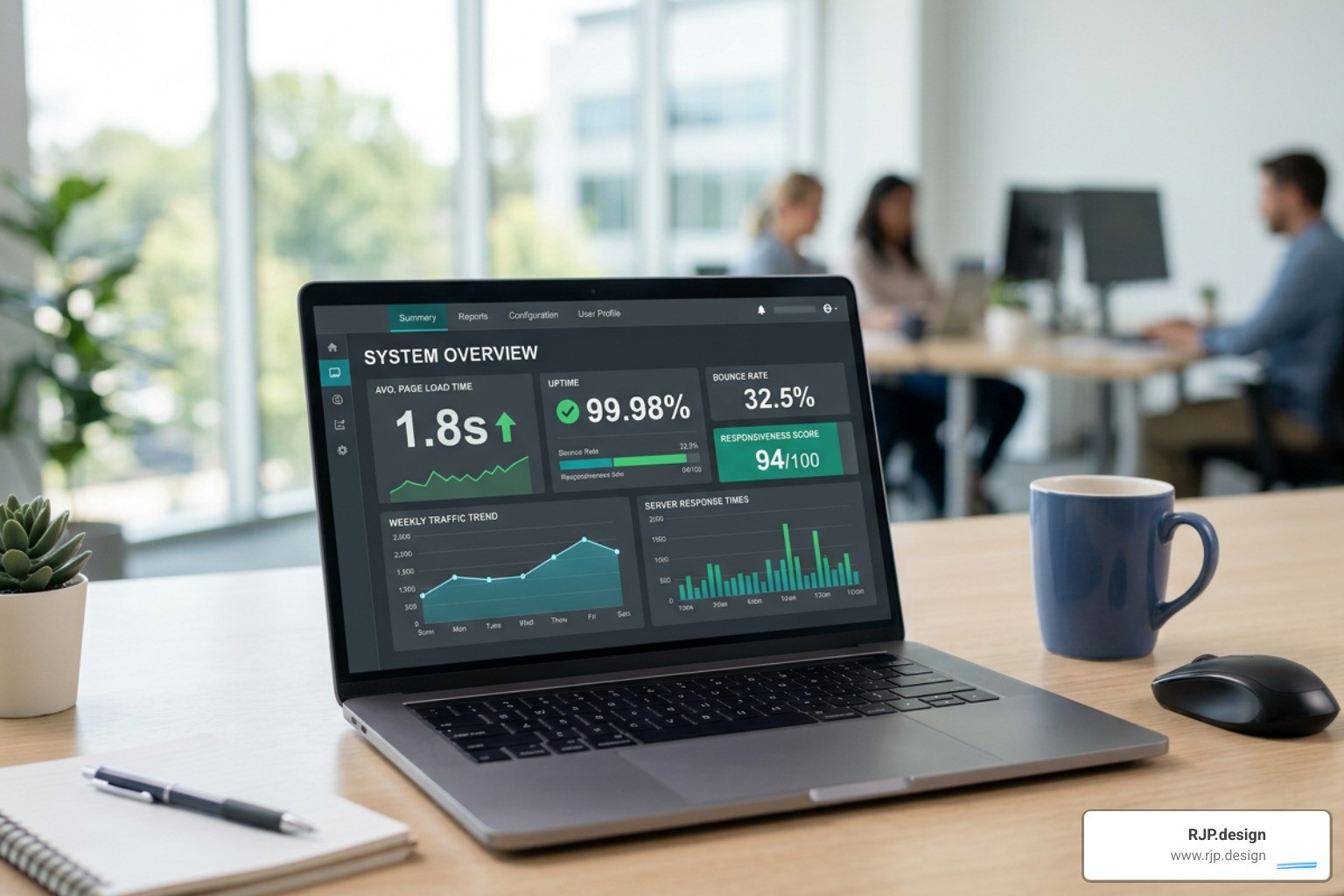
Since Google integrated Core Web Vitals into its page experience signals, performance is no longer just a technical luxury; it is a core ranking factor. Under Google's mobile-first indexing, the mobile version of your site is the baseline for how Google evaluates your entire digital presence.
When your page loads slowly or shifts unexpectedly, user engagement drops, bounce rates climb, and search engines take notice. Google's algorithm is designed to reward websites that users enjoy interacting with. By partnering with Technical SEO Experts to execute a comprehensive strategy for Website Optimization, you can secure a significant competitive advantage over slower competitors.
What Are Core Web Vitals and Why Do They Matter in 2026?
Core Web Vitals are a trio of standardized metrics that Google uses to quantify the actual, real-world user experience of your website. Unlike simulated laboratory tests, these metrics are gathered from real Chrome users visiting your site under various network conditions and on different devices.
To pass Google's assessment, your site must hit the "Good" threshold for all three metrics at the 75th percentile of page loads. If even one metric falls into the "Needs Improvement" or "Poor" categories for more than 25% of your visitors, your page does not pass.
Failing these benchmarks has immediate real-world consequences. A high bounce rate signals to search engines that your content is not satisfying search intent. Beyond SEO, performance directly correlates with revenue: e-commerce studies show that every 100ms improvement in LCP can boost conversion rates by up to 8%. To dive deeper into how these metrics fit into a broader performance strategy, read more about The most effective ways to improve Core Web Vitals.
How to Measure and Audit Your Current Performance
Before changing any code, you need to establish a baseline. Google provides several excellent free tools to measure and audit your current performance, but it is vital to understand the difference between two types of data:
Lab Data: Simulated tests run in a controlled environment (like Google Lighthouse). While excellent for debugging during development, lab tests do not account for real-world user interactions or slow mobile networks.
Field Data: Real user monitoring (RUM) data collected from actual visitors via the Chrome User Experience Report (CrUX). This is the data Google actually uses for search rankings. Because CrUX operates on a 28-day rolling window, changes you make today will take up to a month to fully reflect in your official scores.
To get a complete picture of your site's health, we recommend starting with a professional SEO Optimizer Audit. You can also use Google Search Console's Core Web Vitals report to identify groups of URLs experiencing issues, and run specific pages through PageSpeed Insights to view both lab and field data simultaneously. For a deep, customized analysis of your technical hurdles, our team offers comprehensive SEO Audit Services to map out your fastest path to green scores.
Step-by-Step Guide to Optimize for Core Web Vitals: LCP and CLS
1. Largest Contentful Paint (LCP)
LCP measures how long it takes for the largest visual element on the screen—usually a hero image, video banner, or large block of text—to become fully visible.
According to the Web Almanac, 73% of mobile pages have an image as their LCP element. Yet, among pages with poor LCP, loading those critical images is delayed on the client by an average of 1,290 milliseconds at the 75th percentile. Even worse, 35% of those LCP images had source URLs that were completely undiscoverable in the initial HTML response (often because they were loaded via external CSS or client-side JavaScript).
To optimize your LCP element:
Ensure Discoverability: Do not load your hero image via CSS background properties or hide it behind lazy-loading scripts. Use standard HTML
<img>tags.Prioritize the Resource: Only 15% of eligible pages currently use the HTML attribute
fetchpriority="high". Adding this to your LCP image tells the browser to download it immediately, often shaving 500ms to 1.5s off your loading time.Serve Modern Formats: Compress your hero image to a target size of 50–150 KB and serve it in next-gen formats like WebP or AVIF.
Optimize Your Server: If your server takes too long to respond, your frontend optimizations won't matter. Implement page caching, use a CDN, and Improve Webpage Speed by keeping your Time to First Byte (TTFB) below 400ms.
2. Cumulative Layout Shift (CLS)
CLS measures the visual stability of your page. It tracks how much elements move or "jump" unexpectedly while the page is loading, which can cause users to accidentally click the wrong link or button.
To stabilize your layout:
Set Explicit Dimensions: Always declare explicit
widthandheightattributes on your image, video, and iframe elements, or use the CSSaspect-ratioproperty. This allows the browser to reserve the exact space needed before the asset downloads.Reserve Space for Dynamic Content: If you inject ads, cookie notices, or alert banners dynamically, reserve a fixed-height container for them in your CSS so they don’t push down the rest of your content when they load.
Optimize Font Loading: When custom web fonts load, they can cause a layout shift if the fallback font has different dimensions. Use
font-display: swapin combination with size-adjusted fallback font properties to match the layout spacing.
For a detailed look at resolving these issues on an active platform, check out this guide on How to optimize Core Web Vitals on an existing site.
Advanced Strategies to Optimize for Core Web Vitals: INP and Long Tasks
Interaction to Next Paint (INP) replaced First Input Delay (FID) as a core metric, raising the bar for interactivity. While FID only measured the very first interaction on a page, INP measures the latency of all user interactions (clicks, taps, and keyboard inputs) throughout the entire lifecycle of the page.

When a user clicks a button, the browser must execute JavaScript, perform layout calculations, and paint the new pixels to the screen. If the browser's main thread is blocked by a "Long Task" (any task taking longer than 50 milliseconds), the interaction feels laggy and unresponsive.
To optimize your INP scores, follow these key steps:
Yield to the Main Thread: Break up large, complex JavaScript tasks into smaller chunks. Use modern APIs like
scheduler.yield()to pause execution and allow the browser to process pending user inputs before completing the task.Audit Third-Party Scripts: Chat widgets, analytics tags, and social media embeds are notorious for blocking the main thread. Defer non-critical scripts or delay their loading until after the initial user interaction.
Minimize CSS and JS Payload: Implement code-splitting and remove unused code to reduce the amount of script the browser has to parse and execute.
Use Web Workers: Move heavy mathematical computations or data processing off the main thread entirely.
To explore more advanced backend and frontend performance frameworks, learn How to Optimize Performance across your entire tech stack.
Common Pitfalls and Platform Limitations to Avoid
When trying to optimize for Core Web Vitals, many site owners fall into common traps that actually hurt performance:
Obscuring Images with data-src: Roughly 7% of pages hide their LCP image behind
data-srcattributes to lazy-load them. While lazy-loading is great for off-screen images, applying it to your hero element prevents the browser's preload scanner from finding it, severely delaying your LCP.Layout Thrashing: Avoid writing JavaScript that repeatedly reads and writes layout properties (like
offsetHeightfollowed immediately by a style change). This forces the browser into expensive, repetitive layout calculations.Platform Constraints: Many pre-built page builders (such as Elementor or standard Shopify themes) ship with excessive, unoptimized JavaScript and CSS bloat. If your underlying architecture has a low performance ceiling, no amount of basic optimization will make it pass Core Web Vitals.
To avoid these pitfalls from day one, it is best to invest in custom, SEO-Friendly Websites and rely on clean, modern SEO Website Development practices.
Partner with Experts to Optimize Your Site
Optimizing your website's performance is not a one-time project; it is an ongoing commitment to quality. The moment you stop monitoring your performance, new plugins, uncompressed images, and third-party tracking scripts can quickly drag your scores back down.
At RJP.design, we specialize in building high-performance, responsive websites that look beautiful and load instantly. Our down-to-earth team prioritizes client satisfaction, taking the technical headache of speed optimization off your plate so you can focus on running your business. Whether you need custom development, a complete technical redesign, or ongoing maintenance, we have the expertise to make Google—and your visitors—fall in love with your site.
Ready to take your search rankings and user experience to the next level? Read our Ultimate SEO Optimization Guide 2026, explore our specialized SEO Optimization Services, or get in touch with us today to learn more about RJP.design's professional web design and development services.