
Web
High End WordPress Design on a Ramen Noodle Budget
Apr 6, 2026
Why Affordable WordPress Web Design Is More Achievable Than You Think
Affordable WordPress web design is within reach for almost any small business — and the options range from a lean DIY setup costing under $100/year to professional starter packages beginning around $399.
Here's a quick breakdown of your main routes:
Approach | Estimated Cost | Best For |
|---|---|---|
DIY self-hosted WordPress | $50–$150/year | Tech-comfortable owners |
Freelance designer (Fiverr/Upwork) | $200–$800 one-time | Budget-conscious, needs help |
Agency starter package | $399–$749 one-time | Hands-off, wants quality |
WordPress.com free/basic tier | $0–$13/month | Simplest possible setup |
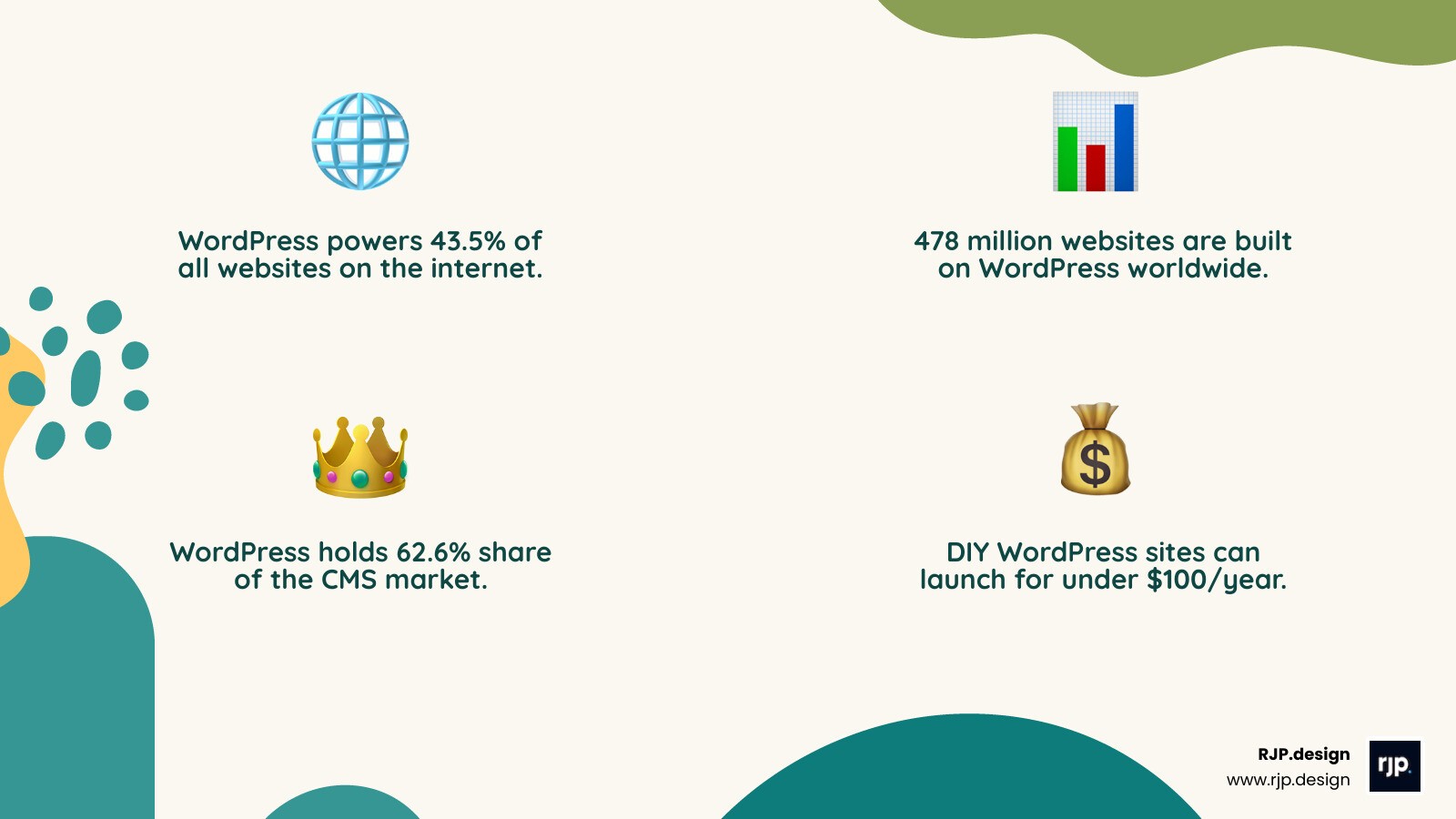
WordPress now powers 43.5% of all websites on the internet — roughly 478 million sites — and holds a commanding 62.6% share of the CMS market. Those numbers aren't an accident. The platform is genuinely flexible, beginner-friendly, and built to scale. Whether you're a plumber advertising local services or a consultant building credibility online, WordPress can do the job without draining your bank account.
The real challenge isn't the platform itself. It's knowing where to spend, where to save, and how to avoid the hidden costs that quietly balloon a simple project into an expensive headache.
That's exactly what this guide is here to solve.
I'm Ross Plumer — digital marketer, web designer, and someone who has helped businesses generate over $20 million in revenue through smarter online strategies, including affordable WordPress web design built to punch well above its price tag. In the sections below, I'll walk you through everything from choosing your foundation to finding the right design partner without overpaying.
Relevant articles related to affordable wordpress web design:
The Blueprint for Affordable WordPress Web Design
Building a high-quality website on a budget requires a solid plan. Think of it like building a house: you need a strong foundation, functional walls, and a roof that doesn't leak. In the digital world, this means choosing the right hosting, a versatile theme, and essential security.
Many small business owners get stuck deciding between doing it themselves or hiring a pro. If you have more time than money, the DIY route is enticing. However, if you value your time and want to ensure your site actually converts visitors into customers, a professional starter package often provides better long-term value.
Choosing the Right Foundation for Affordable WordPress Web Design
The first big decision is choosing between WordPress.com and WordPress.org (the self-hosted version). For the absolute lowest long-term cost and maximum control, WordPress.org is the winner. While WordPress.com offers a free tier, it comes with heavy restrictions and their branding on your site.
To get started with affordable wordpress web design on the self-hosted side, you'll need:
A Domain Name: Usually $10–$20 per year.
Web Hosting: This is where your site lives. For a small business, shared hosting is the most budget-friendly option, often costing between $3 and $10 per month.
An SSL Certificate: Most reputable hosts now provide this for free (via Let's Encrypt), which keeps your site secure and helps with Google rankings.
With 478 million websites built on this platform, the community support is massive. If you run into a problem, someone has likely already solved it in a forum. For more insights on balancing cost and quality, check out our guide on affordable web design.
Smart Choices for Design and Functionality
You don't need to spend thousands on a custom-coded theme. In fact, some of the fastest and most SEO-friendly sites use free or low-cost "starter" themes like Astra, Blocksy, or GeneratePress. These themes are lightweight and designed to work perfectly with the native WordPress Block Editor (Gutenberg).
By using the Block Editor, you can create professional layouts using drag-and-drop "blocks" without needing a bulky, expensive page builder. This keeps your site fast—which Google loves—and makes it easier for you to update content yourself later.
If you're looking for small business web design services, look for providers who emphasize "manageability." You want a site that empowers your team to make basic edits without having to wait days for a developer to change a phone number or upload a blog post.
Protecting Your Investment Affordably
A "cheap" website becomes very expensive if it gets hacked or crashes. Fortunately, you can protect your site without a monthly subscription.
Security: Use a free version of a reputable security plugin like Wordfence to block malicious attacks.
Performance: Connect your site to Cloudflare (the free plan is excellent) to use their Content Delivery Network (CDN). This speeds up your site globally and adds an extra layer of protection.
Backups: Use a free plugin like UpdraftPlus to automatically back up your site to Google Drive or Dropbox.
A fast, secure site is the cornerstone of SEO for WordPress websites. If your site is slow or buggy, all the keywords in the world won't help you rank.
How to Source Professional Results Without the Premium Price Tag
Sometimes, DIY isn't the answer. If you've spent three weekends trying to align a logo and still haven't launched, it's time to look for professional help. The key to affordable wordpress web design when hiring out is finding the "sweet spot" between a $50 amateur and a $10,000 corporate agency.
Finding an Affordable WordPress Web Design Partner
When searching for a partner, look for transparency. Many agencies offer "package-based" pricing. This is great for small businesses because it eliminates "scope creep"—the phenomenon where a project's price keeps rising as more features are added.
A typical high-value starter package might include:
A set number of pages (e.g., Home, About, Services, Contact).
Mobile-responsive design (so it looks great on phones).
Foundational SEO setup.
A training session so you know how to use the backend.
Before signing anything, review their portfolio. You want to see sites that look professional and load quickly. Even notable companies using WordPress often start with these core principles. For a deeper dive into what to look for, see our breakdown of cheap website design packages.
Avoiding Common Pitfalls That Inflate Budgets
The "hidden" costs of WordPress often come from unnecessary subscriptions. Here is how we recommend keeping costs down:
Avoid Premium Plugin Overload: Many "Pro" plugins have free versions that do 90% of what you need. Don't pay for a premium slider or contact form plugin unless you absolutely need a specific advanced feature.
Stick to the Scope: Every time you ask for a "quick change" that wasn't in the original plan, the price goes up. Finalize your content and layout before the build starts.
Choose One-Time Fees Over Subscriptions: Some services offer one-time payment solutions for bug fixing or setup. This is almost always cheaper than a monthly maintenance plan if you're just starting out.
Following WordPress website design best practices 2025 means building a "clean" site. The less "junk" (unnecessary code and heavy plugins) you have, the cheaper it is to maintain and host.
Conclusion: Investing Wisely in Your Digital Future
At the end of the day, your website is an investment, not an expense. Whether you choose to go the DIY route for under $100 or invest in a $399 professional package, the goal is the same: to create a digital storefront that builds trust and grows your business.
At RJP.design, we believe that high-quality web design shouldn't be reserved for companies with massive budgets. Our team focuses on creating websites that look professional, function perfectly, and—most importantly—are easy for you to manage. We prioritize client satisfaction and down-to-earth communication, ensuring you get a site that scales as your business grows.
Ready to launch? You can get started with affordable wordpress web design today and build a professional online presence that fits your budget. Don't let the fear of high costs keep your business in the shadows—the tools and partners you need are more accessible than ever.